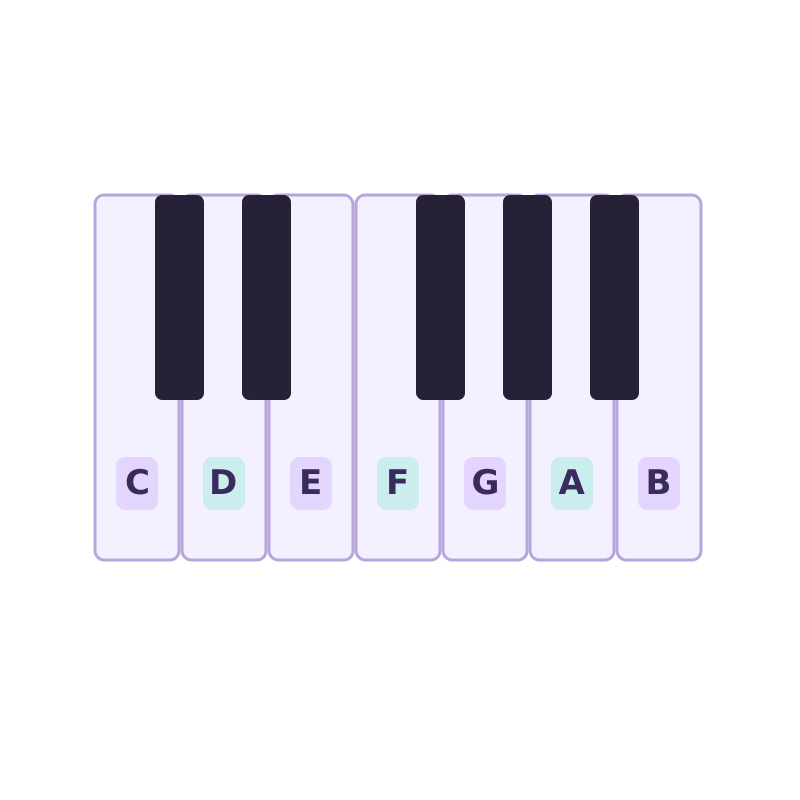
Find your notes
Piano key stickers
Letter labels for learning your keyboard. Check key size and layout before buying.
View on Amazon🔒 Any song · in your browser · private
Turning a whole song into MIDI is the dream — and also the hard case, because a full mix layers vocals, drums, bass and instruments on top of each other. AI transcription pulls out the most prominent pitches, which is perfect for grabbing a lead melody, a hook, or a recognizable line to build on.
Drop an audio file to convert to MIDI
MP3 · WAV · FLAC · M4A · OGG · AAC · MP4 · WebM · up to 100 MB — stays on your device
MP4 and WebM need an audio track your browser can read. If a video does not open, export its audio as MP3 or WAV. For files over 100 MB, choose a shorter recording or export just the audio.
Record one voice or instrument for up to 60 seconds. Listen before converting.
Drag the Start and End markers to choose a phrase, or enter exact times below.
Start with a clear 10–30 second phrase. Pauses inside your selection stay in place. The MIDI starts at the selection’s beginning.
Loading the AI model…
Transcribing…
Hear the original, Raw MIDI, and the full Cleaned MIDI in this browser.
Playback controls affect MIDI listening only. Original audio and exported timing stay unchanged.
Nothing playing.
Cleanup refines these detected notes; it does not run a more accurate transcription model.
Adjust the Cleaned MIDI here. Your free Raw MIDI stays unchanged.
Edits update the preview, piano roll and Cleaned MIDI download together.
Reset edits before changing automatic cleanup. Reset can be undone.
This result is paid for. Further edits to this result are included in this browser.
Tap a note, or use Previous / Next. Change its pitch, start or length, then apply. Times are in seconds from the start of your selection.
The original detected notes, ready to edit in your music software.
Download Raw MIDI — freeIncludes your range, pitch, timing and individual note edits. Listen above before buying.
One-time payment · Further edits to this result included · No account needed
Paid downloads must be completed in this browser. If payment succeeds but you do not return here, clear browser data, or change browser or device, the file may be unavailable. Do not pay again — read the Terms or contact support.
How did this result work for you? Optional
Free and processed on-device · powered by Spotify's open-source Basic Pitch model.
Drop a song into the song to MIDI converter and it transcribes the audio on your device. For the cleanest result, an isolated stem (just the vocal or just the piano) will always beat a dense full mix — but a clear single-instrument song works well as-is.
Get the main line of a song into MIDI so you can study it, transpose it, or re-harmonize it in your DAW.
If a full mix is muddy, separate a stem first (e.g. an a-cappella or instrumental) and convert that — far cleaner notes.
No paywall, no daily cap — convert as many songs as you want, with nothing uploaded.
Choose an audio file or record a short melody here. Your recording stays on your device.
Listen to a phrase, adjust its start and end, then press Convert selection to MIDI to detect the notes.
Save the .mid (and a piano-roll image) and open it in any DAW or notation app.
You can try it, and the tool will transcribe the most prominent pitches, but dense mixes are inherently hard. For a clean part, convert an isolated stem instead of the full mix.
Transcribing for personal practice or study is common, but distributing MIDI of copyrighted music may not be. Because everything stays in your browser, your conversion is private to you.
Use a cleaner or more isolated recording, and raise the note-confidence threshold in Advanced settings so only the strongest pitches become notes.
For your music setup
Optional extras for practice, voice recording and headphone listening.
Find your notes
Letter labels for learning your keyboard. Check key size and layout before buying.
View on Amazon
Soften vocal plosives
A clamp-on screen for an existing microphone setup. Check that your stand fits.
View on Amazon
Connect your headphones
Two 6.35 mm male to 3.5 mm female stereo adapters for compatible headphone outputs.
View on AmazonAs an Amazon Associate I earn from qualifying purchases. Category illustrations; products may look different.