Audio to MIDI guides
Learn how audio-to-MIDI works, prepare a cleaner recording, and edit the resulting notes in your DAW. Then try the result with our in-browser audio to MIDI converter.
From a melody to an arrangement
Prepare a recording, hear actual style examples, and decide when you need editable notes instead.


Conversion and recording guides
-
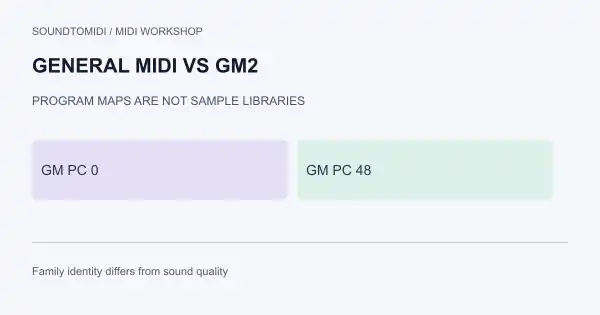
General MIDI vs GM2: Why the Same Program Number Sounds Different
Compare GM and GM2 expectations for program maps and extensions. Test with two constructed MIDI files that differ only in program number.
-
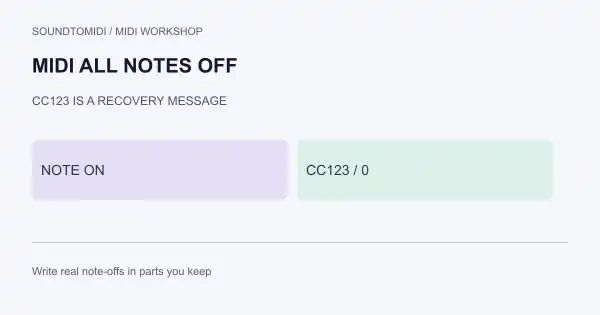
MIDI All Notes Off: Stop Stuck Notes Without Guessing
Use All Notes Off (CC123), All Sound Off and panic routes to clear hanging notes. Compare a stuck-note example with a clean note-off file.
-
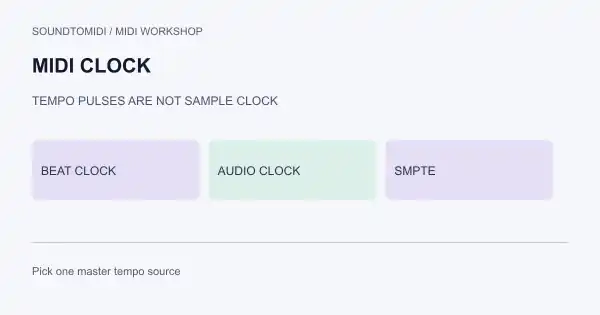
MIDI Clock: Sync Tempo Without Confusing It for Audio Clock
Learn what MIDI Beat Clock pulses do, how Start/Stop/Continue and Song Position fit, and why sample clocks and SMPTE are different jobs.
-
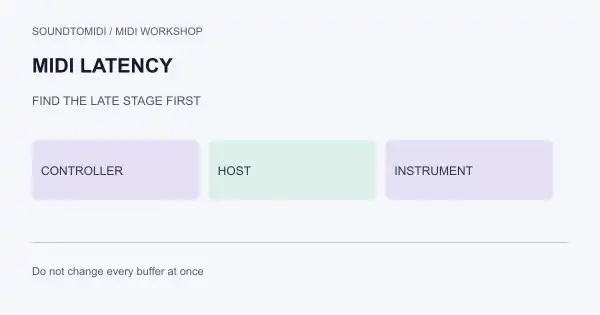
MIDI Latency Fix: Find Which Stage Is Late
Separate keyboard/USB delay, host monitoring latency and instrument delay. Use a staged checklist instead of changing every buffer at once.
-
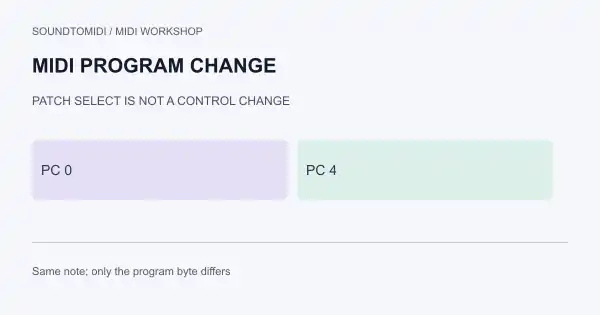
MIDI Program Change: Switch Patches Without Guessing the Message
Tell Program Change apart from Control Change, check 0-based versus 1-based numbering, and test with two downloadable patch-change MIDI examples.
-
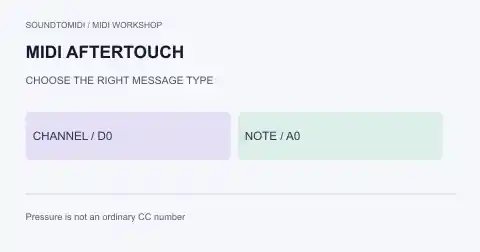
MIDI Aftertouch: Which Message Should You Edit?
Aftertouch has no ordinary CC number. Compare channel pressure, polyphonic pressure and velocity, with two-note MIDI examples and a practical routing check.
-
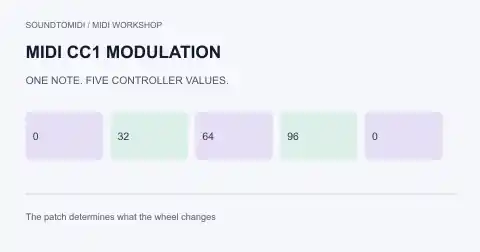
MIDI CC1 Modulation: Fix a Missing or Stuck Mod Wheel
Find where MIDI CC1 is recorded, check the receiving patch, and stop unwanted modulation. Includes a downloadable controller test with unchanged notes.
-
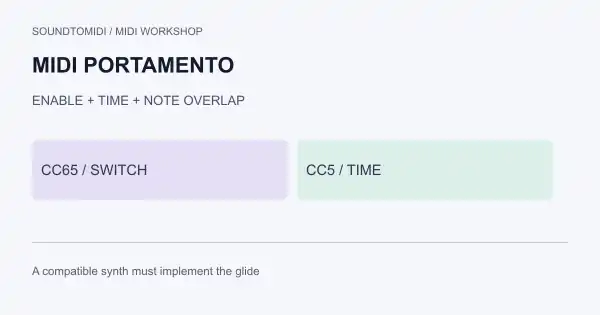
MIDI Portamento: Why CC65 Does Not Always Add Glide
Check portamento on/off, glide time, overlapping notes and synth support. Download paired MIDI examples to isolate the controller data from the sound patch.
-
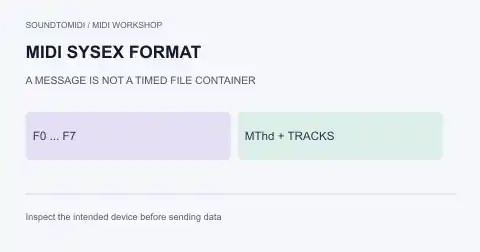
MIDI SysEx Format: Inspect .syx and .mid Files Safely
Tell raw SysEx from a Standard MIDI File, inspect device-specific messages, and choose the right tool for a patch backup without confusing it with audio.
-
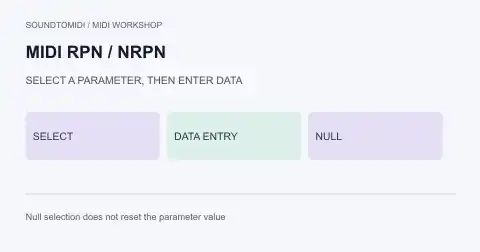
MIDI RPN vs NRPN: Select a Parameter Before Changing It
Decode RPN and NRPN selection, Data Entry and null selection. Walk through a pitch-bend-range example without confusing parameter numbers with CC values.
-
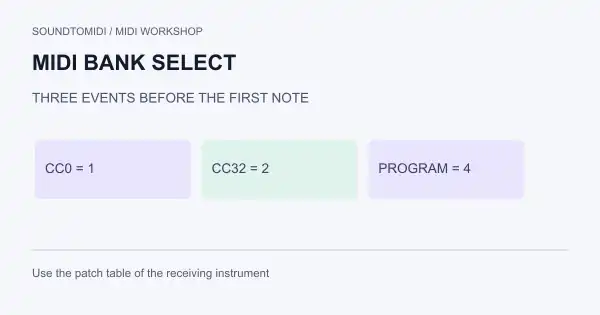
MIDI Bank Select: MSB, LSB and Program Change Explained
Choose the correct MIDI bank and patch with CC0, CC32 and Program Change. Check event order, channel routing and numbering with a reference file.
-
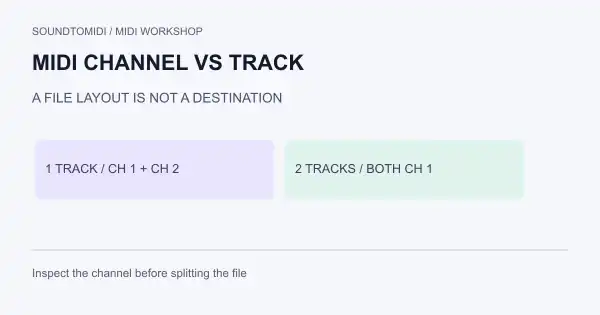
MIDI Channel vs Track: Route Parts Without Mixing Them
Understand MIDI channels and file tracks with two downloadable examples. Fix shared instruments, controller conflicts and confusing import layouts.
-
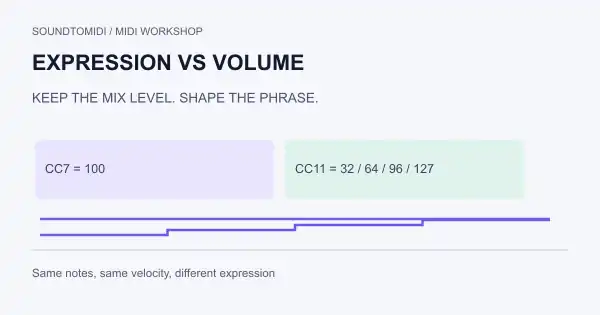
MIDI Expression vs Volume: Use CC11 Without Losing the Mix
Separate MIDI expression CC11, channel volume CC7 and note velocity. Diagnose quiet passages and test phrase changes with downloadable MIDI examples.
-
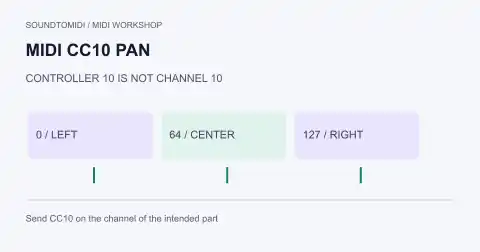
MIDI CC10 Pan: Center a Part and Find Unwanted Movement
Use MIDI CC10 pan values correctly, distinguish controller numbers from channels, and troubleshoot automation that pulls a part left or right.
-
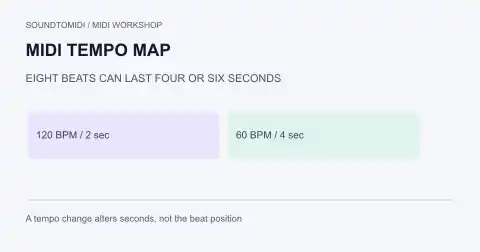
MIDI Tempo Map: Import Changes Without Flattening the Song
Transfer MIDI tempo changes between projects, check beat positions against seconds, and test an Ableton import with a verified two-tempo reference file.
-
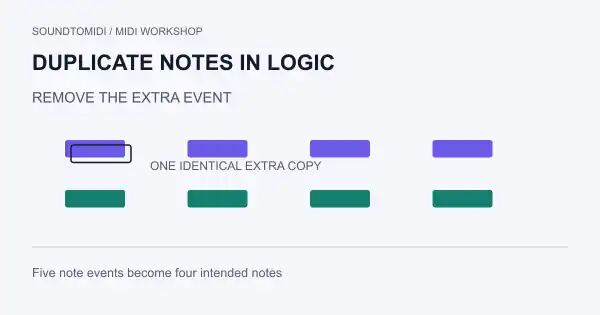
Delete duplicate MIDI notes in Logic Pro without losing the part
Use Logic Pro’s duplicate-event command on a copied region, then verify what changed with a five-event reference and a four-note result.
-
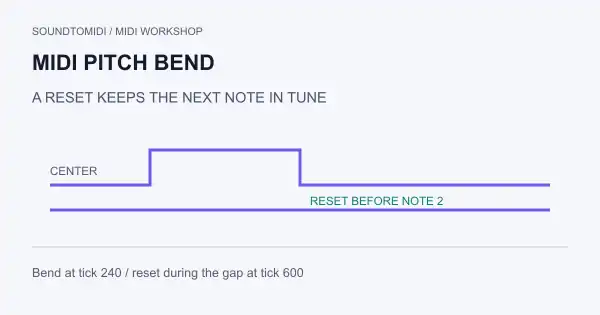
MIDI pitch bend: fix the range and reset a drifting note
Understand MIDI pitch bend with two downloadable files. Check bend range, channel scope and the reset that keeps the next note in tune.
-
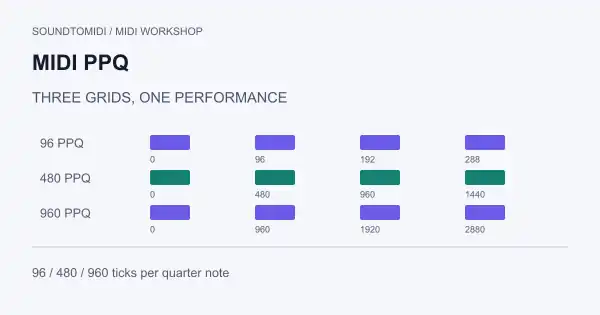
MIDI PPQ: change tick resolution without changing the music
See the same phrase at 96, 480 and 960 PPQ. Calculate tick duration, distinguish resolution from quantization and avoid accidental tempo changes.
-
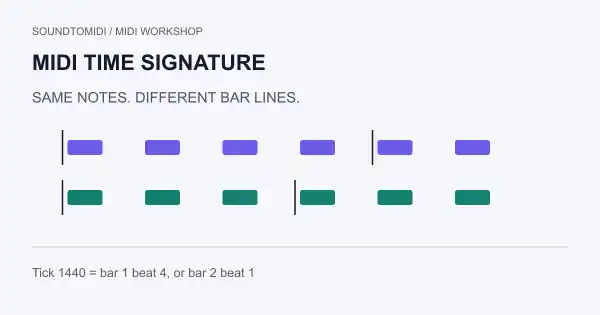
MIDI time signature: change the bars without changing the speed
Compare identical notes in 3/4 and 4/4 MIDI files. Learn what the meter event changes, what it leaves alone and how to verify a DAW import.
-
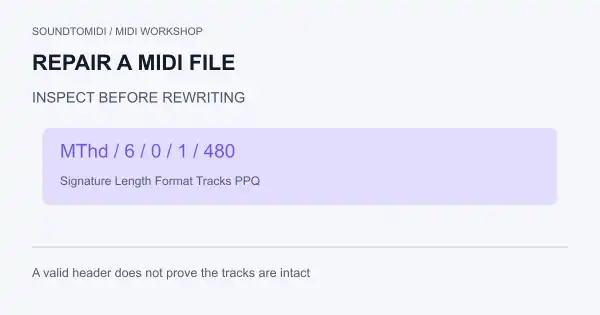
Repair a MIDI file: identify what failed before changing bytes
Check whether a MIDI file is malformed, mislabeled or simply silent. Use a local read-only header check and a valid reference before trying recovery.
-
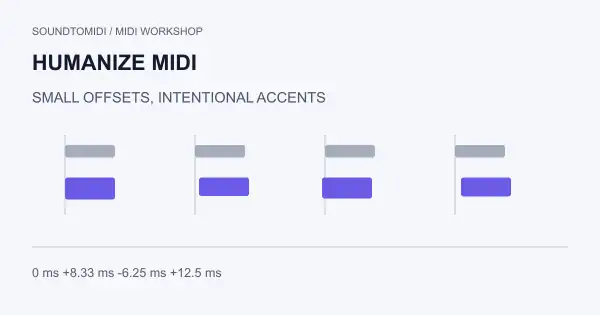
Humanize MIDI without making the rhythm sloppy
Add controlled timing and velocity variation.
-
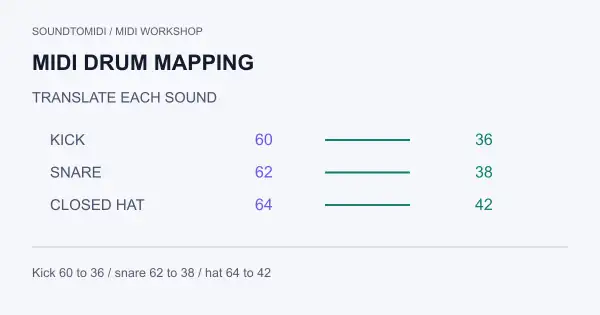
MIDI drum mapping: send each hit to the right sound
Map drum hits by sound and note number.
-
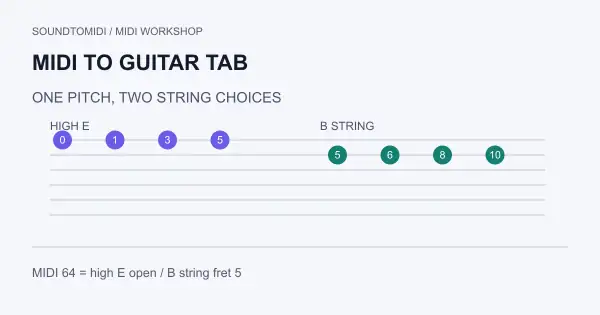
MIDI to guitar tab: choose playable strings and frets
Choose strings and frets for a MIDI melody.
-
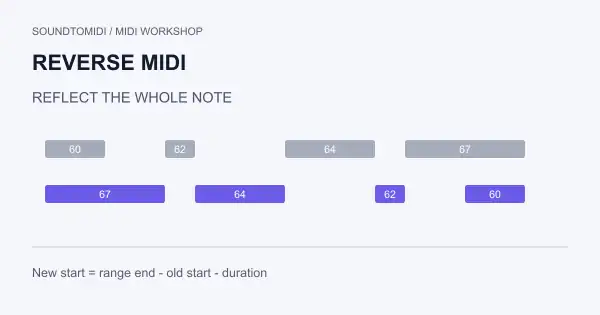
Reverse MIDI notes while keeping their lengths
Reverse note order across a known time range.
-
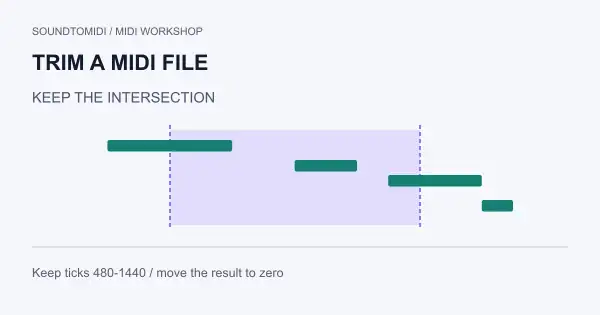
Trim a MIDI file without losing notes at the edges
Crop a passage and preserve its boundary notes.
-
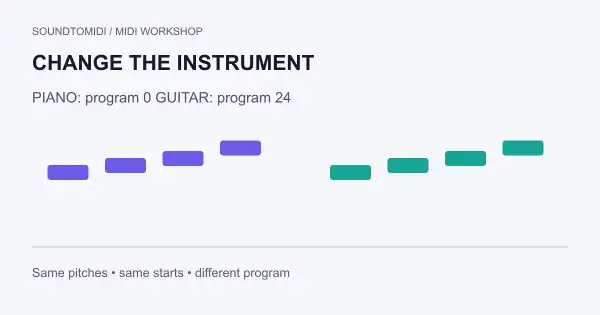
Change a MIDI instrument without changing the notes
Same notes, different instrument instructions.
-
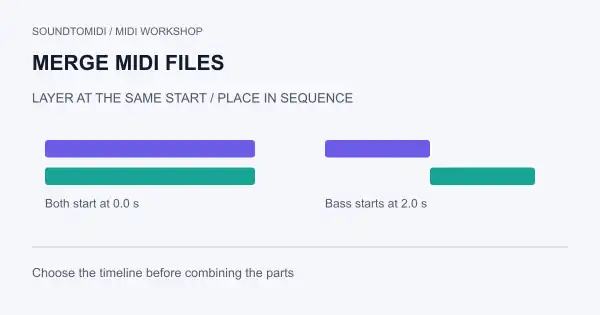
Merge MIDI files: layer parts or join songs end to end
Choose simultaneous layers or a sequence before combining.
-
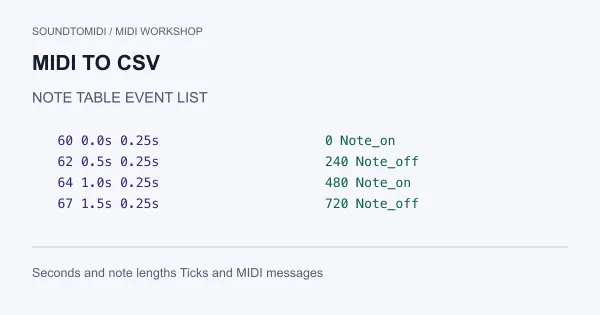
Convert MIDI to CSV: note tables or complete event data
A note spreadsheet and an event dump serve different jobs.
-
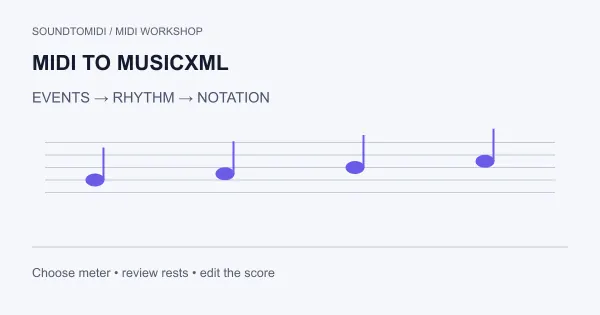
Convert MIDI to MusicXML and check the notation
Turn performance events into a score you can edit.
-
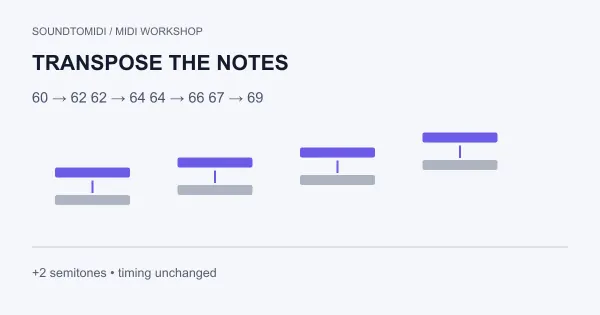
Transpose a MIDI file without changing its timing
Move the pitches. Keep the performance timing.
-
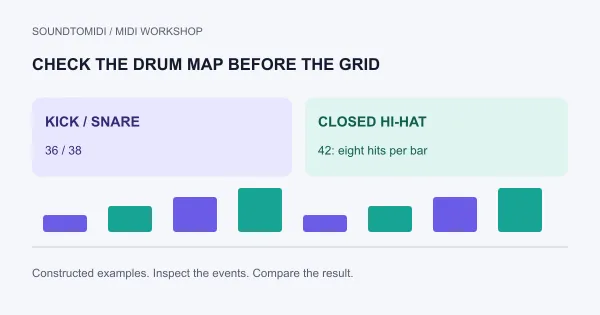
Convert drums to MIDI: recover hits or keep the original sound?
Choose between a reusable drum pattern and slices of the recording.
-
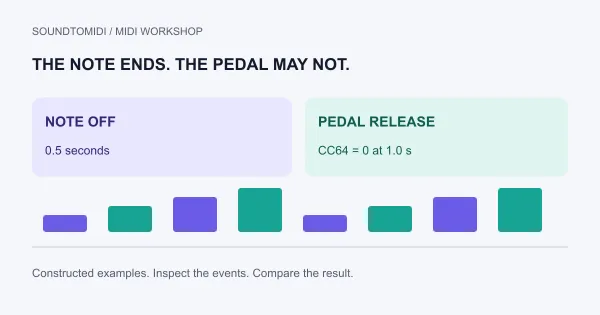
MIDI sustain stuck on: check pedal data before trimming notes
Find out whether the note, the pedal or the sound is holding on.
-
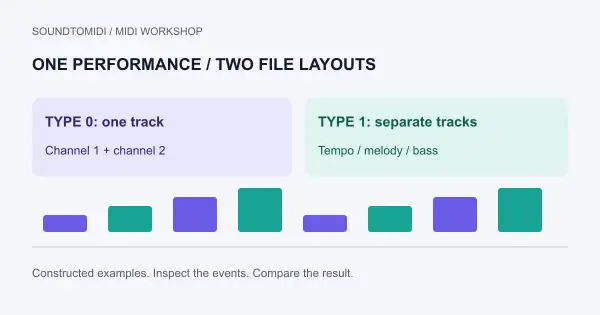
MIDI type 0 vs type 1: choose the file your player needs
One performance, two ways to store its tracks.
-
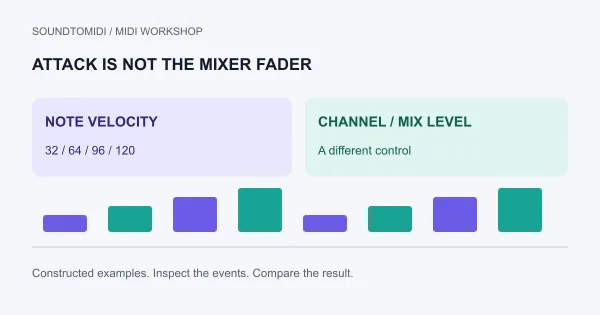
MIDI velocity vs volume: fix the right control
A quiet track and a weak note need different fixes.
-
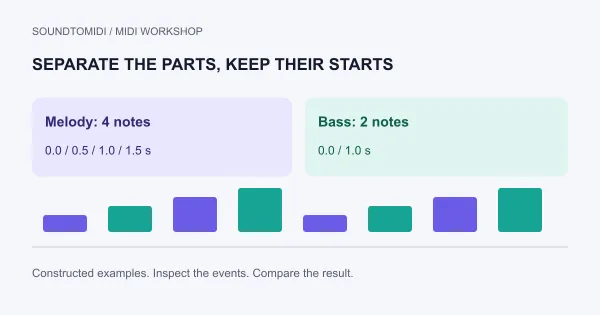
Split a MIDI file into tracks without losing timing
Choose channel separation or drum-note separation before you export.
-
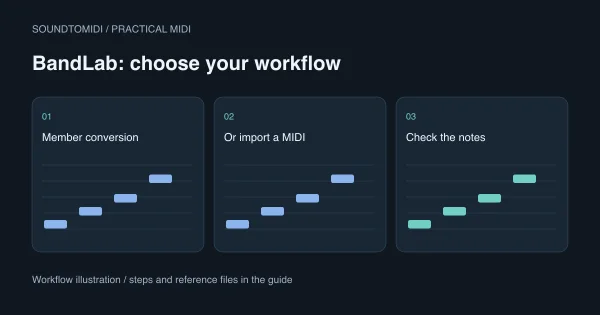
Audio to MIDI in BandLab: Membership feature or external import?
Separate BandLab conversion access from importing an already-created MIDI file.
-
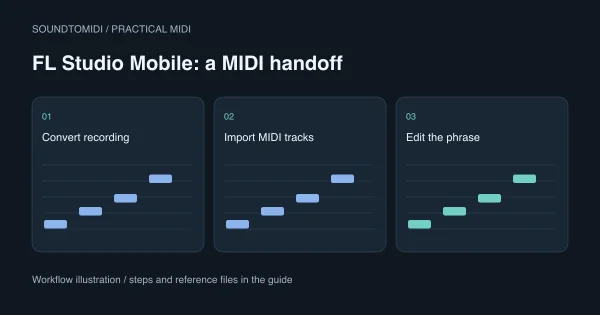
Audio to MIDI for FL Studio Mobile: convert, import and check
A phone-friendly handoff that separates audio conversion from MIDI import.
-
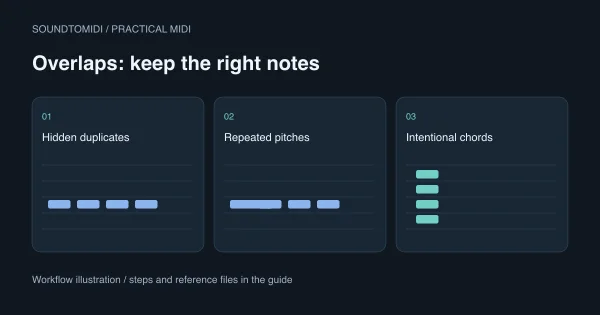
Overlapping MIDI notes: fix collisions without deleting chords
Keep intended harmony while removing hidden doubles and unwanted note tails.
-
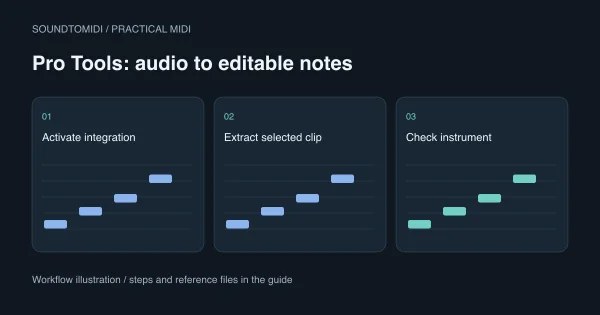
Audio to MIDI in Pro Tools: extract notes, then check the instrument
Choose the right extraction scope and check the result before replacing a recorded part.
-
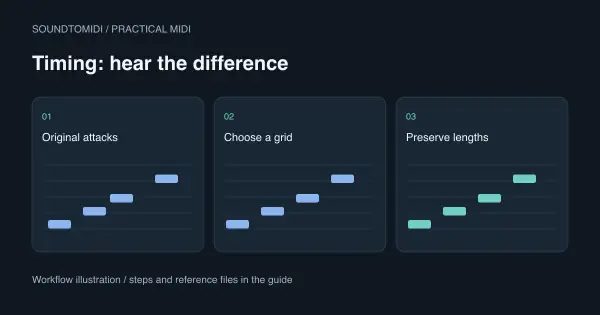
How to quantize MIDI without flattening the performance
Move the attacks that need correcting while keeping intentional phrasing.
-
Audio to MIDI for MuseScore: make an editable score
Move from recorded sound to a readable score without treating an MP3 as notation.
-
Audio to MIDI in Cubase: extract a melody with VariAudio
Extract a melodic part without confusing pitch correction with a finished MIDI file.
-
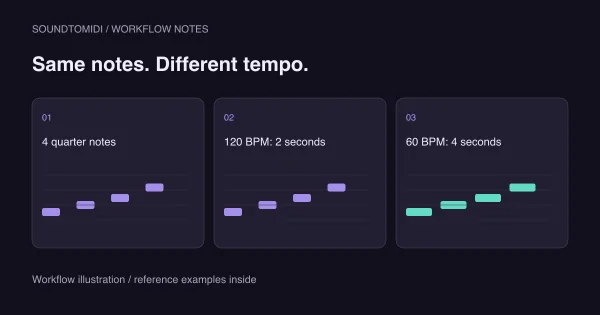
MIDI plays too fast after import: find the timing mismatch
Separate a tempo mismatch from doubled note spacing or a poor transcription.
-
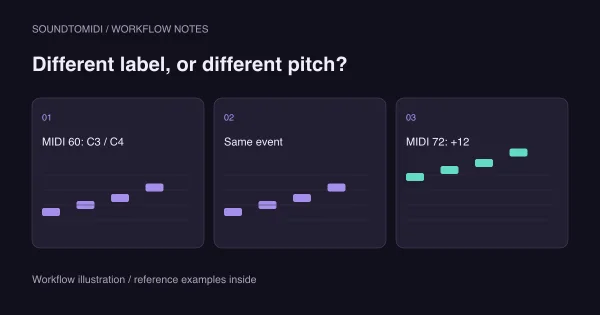
MIDI in the wrong octave? Check the note number first
Tell an octave-label mismatch from a real transcription or instrument-pitch error.
-
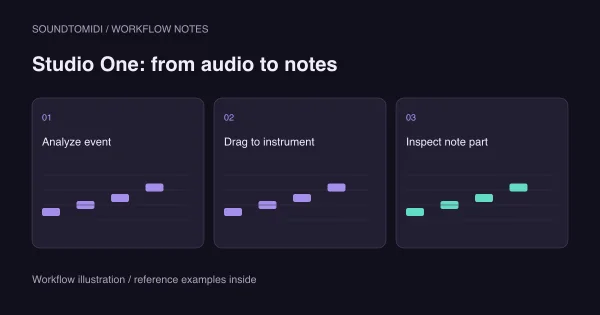
Audio to MIDI in Studio One: the Melodyne handoff
Understand what must happen before dragging audio can create editable notes.
-
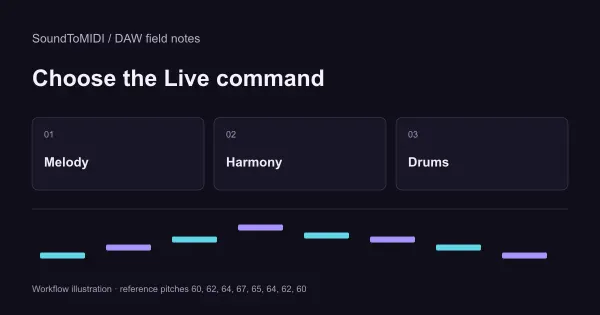
Convert audio to MIDI in Ableton Live 12
Choose the correct conversion command and check what the notes actually represent.
-
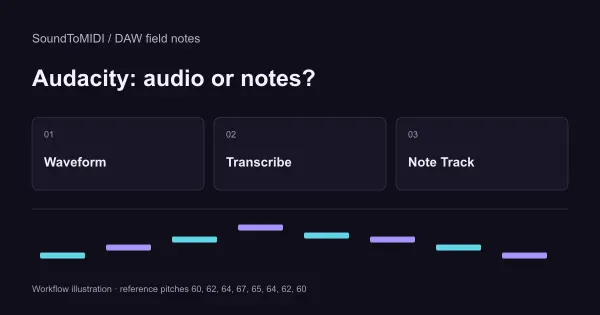
Audacity Export MIDI: why it needs a Note Track
Turn the misleading export menu into a workable audio-to-notes workflow.
-
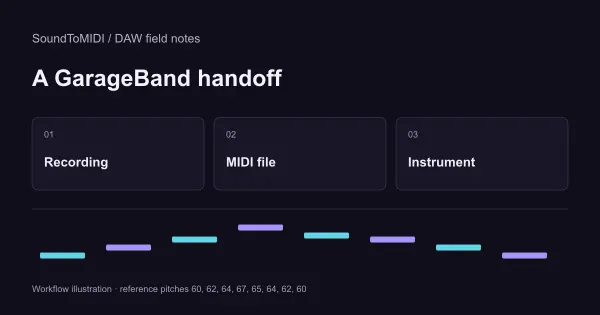
Audio to MIDI for GarageBand: convert, then import
A practical handoff from a recording to editable GarageBand instrument regions.
-
MIDI file has no sound? Find the missing step
A controlled comparison to tell empty MIDI from a silent instrument or output.
-
Audio to MIDI in REAPER: record ReaTune note events
Separate pitch detection, recording MIDI and hearing an instrument in REAPER.
-
AnyConv MP3 to MIDI: what to check before using the result
Verify the output you actually receive, with a small source and a MIDI inspection checklist.
-
Audio to MIDI AI: what it detects and what it cannot know
Know which musical problem the model is solving before judging its output.
-
Audio to MIDI software: choose where the work happens
Decide between a DAW feature, plugin, standalone application and browser tool.
-
Online audio to MIDI: browser support, privacy and failures
Separate a file-reading problem from a transcription problem before changing tools.
-
Free audio to MIDI: a practical workflow for your source
Choose a useful source and take editable notes into a no-cost correction workflow.
-
Find the best audio to MIDI converter for your recording
A reusable scorecard for comparing useful MIDI, rather than marketing claims.
-
MP3 to MIDI converter download: choose the right package
An installation checklist that ends with a saved, playable MIDI file.
-
MP3 to MIDI online: from a recording to a playable clip
A complete browser workflow, including the checks that make a downloaded MIDI useful.
-
Free MP3 to MIDI: download notes without an export surprise
Check the actual download first, then choose where to correct the notes.
-
MP3 to MIDI software: turn a file into a DAW-ready phrase
An MP3 intake and handoff checklist for producers working with files rather than live audio.
-
MP3 to MIDI on GitHub: a reproducible Basic Pitch setup
A source-linked command-line recipe with compatibility checks and a repeatable first-file test.
-
Suno to MIDI: native export, editable notes and practice
Choose Suno's native MIDI export or a local audio workflow, then check one phrase before making a score or practice file.
-
Audio to MIDI Examples: Listen, Download, and Check the Notes
Three reproducible conversions, including extra notes and a failed pitch detection, with downloadable input audio and actual Raw MIDI.
-
Samplab Alternatives Compared: MIDI vs Audio Editing
Samplab's shutdown dates, what to save, and practical replacements for MIDI transcription or editing notes in recorded audio.
-
Mirelo vs SoundToMIDI: Audio Transcription Compared
A practical comparison of Mirelo's hosted full-mix transcription and a browser-local converter for private stems, melodies, and quick MIDI drafts.
-
FL Studio Audio to MIDI: NewTone or Browser?
When to use NewTone, when polyphonic conversion makes more sense, and how to turn the result into a workable Piano roll pattern.
-
Logic Pro Audio to MIDI: Two Useful Methods
A clear Flex Pitch and external-transcription workflow, with realistic advice for vocals, piano, guitar, and mixed recordings.
-
YouTube to MIDI Converter: What Really Works
Why a video link cannot become clean MIDI by magic, plus a realistic workflow for audio you own or have permission to use.
-
How to Record Your Voice for Cleaner MIDI Notes
A practical workflow for turning a sung or hummed idea into editable MIDI, with honest limits drawn from producers who have tried it.
-
Free Audio-to-MIDI Tools Compared: Features and Limits
A straight-talking comparison of the best free audio to MIDI converters, plus the criteria that actually matter before you pick one.
-
How to Convert Audio to MIDI (Free, 2026 Guide)
A producer's honest, step-by-step guide to turning any audio recording into an editable MIDI file for free, right in your browser.
-
How to Convert MP3 to MIDI: A Practical Guide
A practical, no-nonsense walkthrough of turning an MP3 into an editable MIDI file, with the exact settings that get you a clean result.
-
What Is Audio to MIDI? How AI Turns Sound into Notes
A clear, honest explainer of how AI listens to a recording and writes out the notes as an editable MIDI file.