What a vocal to MIDI converter hears
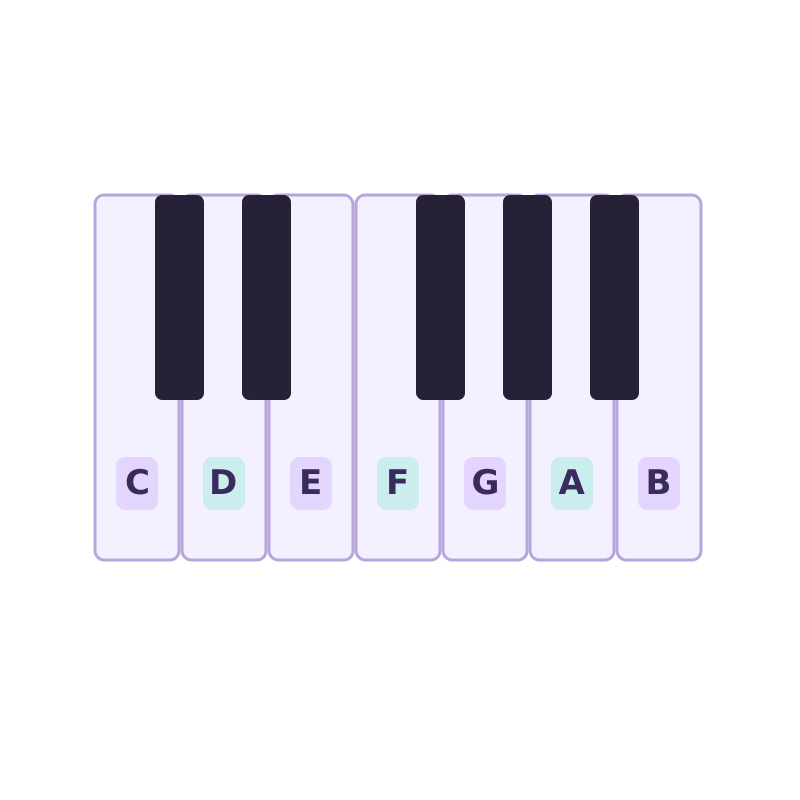
A vocal recording is a waveform. MIDI is a sequence of note events. The converter estimates the central pitch, when each note starts, how long it lasts, and how strongly it is played. It does not copy lyrics, tone, vibrato, formants, or microphone character into the MIDI instrument. Think of the output as a piano-roll sketch of the sung performance.
Solo singing is a good fit because there is usually one main pitch at a time. That does not make every take equally easy. Breath, room noise, harmony, doubled vocals, backing tracks, and long reverb can all look like extra notes. A clean lead vocal or dry phone memo normally needs less repair than a vocal already mixed into a finished song.
Record a vocal that is easier to convert to MIDI
Record one melody without a backing track when possible. Stay at a steady distance from the microphone and choose a quiet room. A plain syllable such as “la” or a hum gives the detector a stable tone, while hard consonants can create false note starts. Leave a small, audible separation between repeated notes instead of running them together.
Do not chase a polished vocal sound. Strong compression, delay, doubled takes, and wide harmony can make transcription harder. A phone voice memo is enough if the voice is clear and not clipping. Keep the take short at first. Once a representative phrase converts well, record or process the longer section with the same technique.
- Use one singer and one melodic line per pass.
- Move away from fans, traffic, and speakers playing the instrumental.
- Sing repeated notes distinctly and avoid sliding through every interval.
- Keep the original recording until the MIDI arrangement is finished.
How the Voice recording profile changes the conversion
This page selects Voice before you add a file. The preset uses a slightly higher onset threshold to ignore soft attacks, raises note confidence to reject uncertain background pitches, and increases minimum note length so brief breaths are less likely to become notes. It also enables pitch-bend output and selects Melody cleanup for a single lead line.
Those values are only a starting point. Open Advanced settings and move one control if the take needs it. Switch to General when a vocal has quick rhythmic syllables that the Voice preset filters too aggressively. If the recording is actually a vocal ensemble or contains chordal accompaniment, Raw MIDI may retain useful notes that Melody cleanup intentionally removes.
Fix extra, missing, or sliding vocal notes
When breaths and consonants create tiny notes, raise Onset confidence or Min note length. When quiet phrase endings disappear, lower Note confidence a small amount. If one sustained note breaks into several blocks, reduce the onset threshold or record the line with a steadier vowel. Work on one short phrase and compare each change instead of adjusting all controls at once.
Slides and vibrato need judgment. Pitch bends can preserve motion between notes, which is useful for a synth lead or expressive controller part. For a clean keyboard melody, turn bends off and keep the main semitone for each phrase. A wide scoop may still appear as a staircase of neighboring notes; remove the passing blocks in the DAW after checking them against the vocal.
Move the vocal MIDI into your DAW
Set Tempo to the project BPM before downloading. This does not change pitch detection; it writes a useful tempo into the MIDI and gives cleanup a grid. Import the .mid file onto an instrument track, place the original vocal at the same start point, and compare a few bars at a time. Delete obvious false notes before applying quantization.
Correct octaves and note lengths next. Sung timing often leans ahead of or behind the beat, so full-strength quantization can remove phrasing you wanted to keep. Start lightly, then choose a sound with an attack that suits the line. A soft synth may follow legato singing more naturally than a short piano patch. The MIDI is editable material, not a finished vocal replacement.
Use vocal to MIDI for a focused job
The workflow is useful for capturing a melody before it disappears, turning a sung bass line into a synth part, doubling a vocal with an instrument, or moving a topline into notation. It can also help a producer who hears a part clearly but does not play it comfortably on a keyboard. The value is speed: the converter provides a draft that would otherwise require entering every note by hand.
It will not infer chords from a single sung pitch, separate harmonies from a finished mix, or recreate the singer’s tone. Record separate harmony passes if you want several MIDI lines. For a dense song, isolate the vocal stem first. When exact engraving, syllable timing, or vocal synthesis data matters, expect additional editing in the destination software.