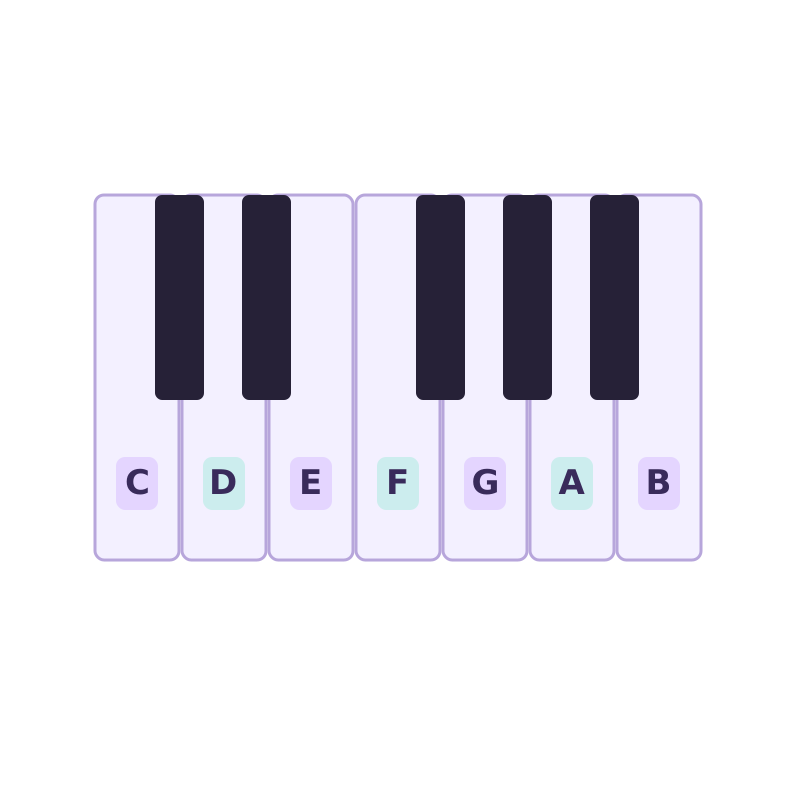
Find your notes
Piano key stickers
Letter labels for learning your keyboard. Check key size and layout before buying.
View on Amazon🔒 Runs in your browser · nothing uploaded
This audio to MIDI converter turns recorded music into editable notes, free and private. Drop an MP3, WAV, FLAC, M4A, OGG, or compatible MP4 and the notes are transcribed on your device. No upload or sign-up.
Drop an audio file to convert to MIDI
MP3 · WAV · FLAC · M4A · OGG · AAC · MP4 · WebM · up to 100 MB — stays on your device
MP4 and WebM need an audio track your browser can read. If a video does not open, export its audio as MP3 or WAV. For files over 100 MB, choose a shorter recording or export just the audio.
Record one voice or instrument for up to 60 seconds. Listen before converting.
Drag the Start and End markers to choose a phrase, or enter exact times below.
Start with a clear 10–30 second phrase. Pauses inside your selection stay in place. The MIDI starts at the selection’s beginning.
Loading the AI model…
Transcribing…
Hear the original, Raw MIDI, and the full Cleaned MIDI in this browser.
Nothing playing.
Cleanup refines these detected notes; it does not run a more accurate transcription model.
The original detected notes, ready to edit in your music software.
Download Raw MIDI — freeRefine short fragments, overlaps and timing. Listen above to decide whether it helps your recording.
One-time payment · Full preview · No account needed
Paid downloads must be completed in this browser. If payment succeeds but you do not return here, clear browser data, or change browser or device, the file may be unavailable. Do not pay again — read the Terms or contact support.
How did this result work for you? Optional
Powered by Spotify's open-source Basic Pitch model.
Three steps, all on your device. No software to install.
Add an audio file or a compatible MP4, or record a short melody with your microphone. Your recording stays on your device.
Choose the phrase you need and listen before converting. Press Convert selection to MIDI to detect its notes.
Grab the .mid file (and a piano-roll image) and open it in any DAW or notation app to edit and remix.
Most free converters make you sign up, cap your conversions, or upload your audio to their servers. This audio to MIDI converter does none of that.
Your audio is decoded and transcribed on your own device. Nothing is ever sent to a server, so even a copyrighted demo or unreleased track stays with you.
No account, no daily caps, no watermark on the MIDI. Convert as many files as you want — the tool is just a web page running an open model.
Runs Spotify's open-source Basic Pitch neural net — polyphonic and instrument-agnostic, so chords, piano, guitar, vocals and leads all transcribe.
Download a standard .mid you can drop straight into Ableton, FL Studio, Logic, GarageBand or MuseScore and edit note-by-note.
No render queue and no round-trip. The ~1 MB model caches on your device, so the second conversion starts immediately.
Choose Voice, Piano & Guitar, Bass, or General to set real detection and cleanup controls, then fine-tune any value for the recording.
Hum or play an idea, convert it to MIDI, and keep building in your DAW instead of re-playing by ear.
Turn a guitar or piano part into notes you can slow down, study and re-voice.
Lift a monophonic line into MIDI to re-trigger with any instrument or sound design.
Import the MIDI into MuseScore or your notation app to print readable sheet music.
Convert a recorded performance to MIDI, then quantize and clean it up on a grid.
Whistle, beatbox a melody, or play a quick idea and get an editable MIDI seed in seconds.
Audio conversion and Raw MIDI downloads are free, with no sign-up or daily limit. You can also preview Cleaned MIDI for free. Downloading that optional cleaned version costs a one-time payment shown beside the buy button; it refines the detected notes rather than using a stronger transcription model.
No. Your file is read and decoded locally with the Web Audio API, and the AI model runs on your device. The audio never leaves your computer or phone, which makes it safe for unreleased or copyrighted material.
The converter accepts MP3, WAV, FLAC, M4A/AAC, OGG, and MP4/WebM files with a browser-compatible audio track. Codec support depends on the browser. For the cleanest result, use a clear recording where the melody or instrument stands out.
It uses Spotify's Basic Pitch model, which is polyphonic and works across instruments. Clean, isolated parts (piano, guitar, vocals, leads) transcribe best; dense full mixes are harder, as they are for every audio-to-MIDI tool. You can fine-tune onset and note thresholds in Advanced settings.
Yes — MP3 to MIDI is the most common use. Drop your MP3 in and download the MIDI. The same works for WAV, FLAC and M4A files.
The exported .mid is standard MIDI and opens in any DAW or notation software: Ableton Live, FL Studio, Logic Pro, GarageBand, Cubase, Reaper, MuseScore and more.
Yes. It runs in modern mobile browsers too. Larger files take longer on a phone since all the processing happens on your device, but nothing is uploaded.
Free, private and unlimited — right in your browser.
🎹 Convert audio to MIDIFor your music setup
Optional extras for practice, voice recording and headphone listening.
Find your notes
Letter labels for learning your keyboard. Check key size and layout before buying.
View on Amazon
Soften vocal plosives
A clamp-on screen for an existing microphone setup. Check that your stand fits.
View on Amazon
Connect your headphones
Two 6.35 mm male to 3.5 mm female stereo adapters for compatible headphone outputs.
View on AmazonAs an Amazon Associate I earn from qualifying purchases. Category illustrations; products may look different.