The best MIDI keyboard for a home studio is usually the one that fits your desk and the way you actually enter notes. A compact controller you use every day is more valuable than a feature-packed model that lives in a closet. Start with key count, then decide how much DAW control you want.
For most producers, the practical shortlist is simple: Arturia MiniLab 3 for the smallest workspace, Novation Launchkey 37 MK4 for hands-on DAW work, and M-Audio Keystation 49 MK3 for more playing range without a crowded control surface. None is the universal winner.
Quick comparison
| Best fit | Pick | Keys | What stands out | Main compromise |
|---|---|---|---|---|
| Very small desk or travel | Arturia MiniLab 3 | 25 slim keys | Pads, encoders, faders and 5-pin MIDI out in a compact body | Two octaves feel restrictive for two-handed parts |
| Production and DAW control | Novation Launchkey 37 MK4 | 37 synth-action keys | 16 pads, eight encoders, transport controls and broad DAW integration | Larger and more expensive than a basic note-entry keyboard |
| Learning parts and simple note entry | M-Audio Keystation 49 MK3 | 49 full-size keys | Four-octave range, sustain input and an uncluttered layout | Few knobs and pads; USB-MIDI rather than a 5-pin output |
Retail listings and bundles change. Use the manufacturer links for specifications, then check the exact model and seller before ordering.
Why size matters more than the software bundle
The same question keeps appearing in musician communities: should a beginner buy 25 keys with pads and knobs, or 49 keys with room for both hands? One r/musicproduction discussion framed it exactly that way. Another beginner wanted to sketch melodies without drawing every note with a mouse; replies repeatedly separated compact note entry from learning two-handed keyboard parts in the resulting thread.
Use this rule of thumb:
- 25 keys: enough for bass lines, leads, drums and short chord ideas. Octave buttons are part of the workflow.
- 37 keys: a useful middle ground for melody plus chords while keeping the controller desk-friendly.
- 49 keys: more comfortable for two-handed voicings, basic keyboard study and auditioning a wider MIDI passage without changing octaves.
- 61 or 88 keys: worth considering for a pianist, but harder to keep in front of a computer keyboard and mouse.
Software bundles can be helpful, but they should not decide the purchase. Licenses, included titles and eligibility can change. Choose the hardware you will still want after the introductory software is installed.
Arturia MiniLab 3: best for a small desk
The MiniLab 3 is a good fit when portability and control density matter more than playing range. According to Arturia’s current specifications, it has 25 velocity-sensitive slim keys, eight pressure-sensitive pads, eight encoders, four faders, an arpeggiator and chord mode. USB-C provides power and computer connectivity. A sustain/expression control input and 5-pin MIDI output make it more flexible than many tiny controllers.
Its strongest case is a producer who enters a line at a time, taps drums on pads and wants to change plugin parameters without reaching for the mouse. It is also the easiest of these three to move between a desk and a bag.
The limit is physical, not technical. Twenty-five slim keys do not give both hands much room. You can shift octaves, but that interrupts parts that cross the two-octave range. If learning keyboard technique is a main goal, buy more keys.
Check the MiniLab 3 on Amazon and make sure the listing says MiniLab 3, not an older MiniLab generation or a software-only bundle.
Novation Launchkey 37 MK4: best for DAW control
The Launchkey 37 MK4 balances playable range with a proper production control surface. Novation lists 37 velocity-sensitive synth-action keys, 16 velocity-sensitive pads with polyphonic aftertouch, eight encoders, transport buttons and workflow buttons for functions such as capture, undo, quantize and metronome. Its rear panel includes USB-C, 5-pin MIDI out and a sustain input.
This is the strongest choice here if you use the keyboard as a DAW controller rather than only a note input. Novation publishes integration for major DAWs, but check the current compatibility page for your exact DAW version before buying.
The extra controls take space. The unit is roughly 22 inches wide, so measure the usable surface in front of your monitor, not the total width of the desk. In a controller-upgrade discussion, several users landed on 49 keys as a comfortable range while others valued integrated transport and mixer controls. That disagreement is useful: it shows why workflow matters more than a single ranking.
Check the Launchkey 37 MK4 on Amazon. Novation also sells a Launchkey Mini 37; it has smaller keys and is a different product.
M-Audio Keystation 49 MK3: best for straightforward playing
The Keystation 49 MK3 puts its space into keys. M-Audio specifies 49 full-size, velocity-sensitive synth-action keys, pitch and modulation wheels, a volume fader, transport and directional controls, and a sustain-pedal input. It is USB powered and class compliant for Mac and PC.
Choose it when your first priority is playing notes across four octaves. It is easier to understand at a glance than a controller covered with mode-dependent pads. That can be an advantage for a guitarist learning keyboard harmony, a notation user entering parts or anyone who already prefers controlling the DAW with a mouse.
It is not the right choice if finger drumming and plugin control are central. It also lacks the 5-pin MIDI output found on the other two picks, so it is intended mainly for connection to a computer or compatible USB host.
Check the Keystation 49 MK3 on Amazon. Confirm that the listing is the 49-key MK3, since Keystation sizes and generations are easy to mix up.
What to check before buying
Measure the whole setup. Leave room for the computer keyboard, mouse, audio interface and a comfortable wrist position. A tray can solve a real space problem; squeezing the controller behind the computer keyboard usually means it gets less use.
Decide whether you need 5-pin MIDI. A USB controller can connect directly to a computer. Traditional MIDI out matters when you want to control a hardware synth without routing through the computer. An audio interface with MIDI I/O can also bridge that gap.
Check sustain-pedal compatibility. All three picks accept a sustain control, but the pedal is generally separate. If piano-style parts matter, budget for it.
Try the key action if possible. “Velocity-sensitive” does not tell you how a keybed feels. Users describe inexpensive actions in very different ways, and that is one detail a specification sheet cannot settle.
Learning the note names
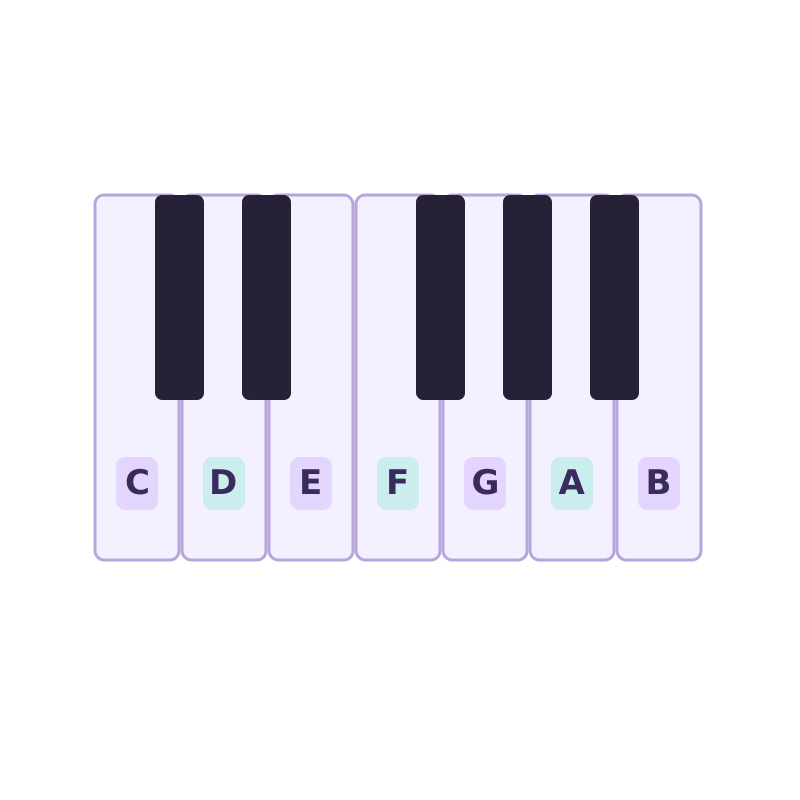
If you already own a keyboard and mainly need help finding notes, a new controller is a large purchase for a small problem. Our piano stickers guide compares individual labels with removable silicone strips and explains what to measure first. Full-size labels may not fit the MiniLab’s slim keys. Try identifying C and F from the black-key groups before buying anything.
Where a keyboard fits into audio-to-MIDI
A MIDI keyboard does not make an audio recording convert more accurately. It becomes useful after conversion: load the MIDI into your DAW, audition questionable notes, replay a phrase and correct velocity or timing. With SoundToMIDI, you can convert the source audio in your browser, then use any class-compliant controller to edit the resulting part.
If you mostly want to extract an occasional melody, try the converter before buying hardware. If you keep reaching for the piano roll to repair notes or build a new arrangement, a controller earns its desk space.
Which one should you buy?
Buy the MiniLab 3 when desk space is the hard limit, the Launchkey 37 MK4 when DAW control is part of the instrument, or the Keystation 49 MK3 when four octaves and simplicity matter most. The useful question is not “Which has the most features?” It is “Which compromise will I notice least every time I sit down?”