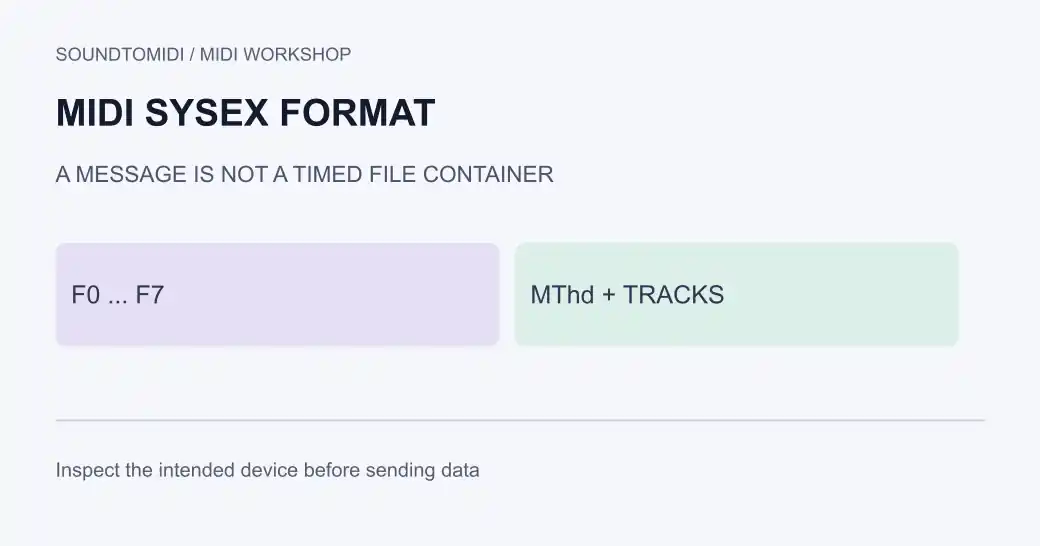
MIDI SysEx means System Exclusive: messages used for device-specific data and some universal MIDI functions. A .syx file commonly stores raw SysEx messages. A Standard MIDI File, usually .mid, is a timed container that can hold SysEx alongside other events. Renaming one extension to the other does not convert its structure.
If your goal is to open a synth patch backup, use a SysEx-aware tool and the receiving device’s documentation. An audio-to-MIDI converter is for recordings; it cannot turn a patch backup into the melody that was played with that patch.
Recognize the container first
Download this annotated hex reference. It is an original plain-text illustration, not a patch file or firmware update. There is nothing to transmit to a synthesizer.
A Standard MIDI File begins with the four ASCII bytes MThd, shown in hexadecimal as 4D 54 68 64. It then describes the file header and timed tracks. A raw SysEx message typically begins with F0 and ends with F7. Between those boundaries are identification and message data whose meaning depends on the relevant specification.
The MIDI Association message summary explains manufacturer identification and the reserved universal-message IDs. Do not decode every message using the layout of one manufacturer’s patch format.
| What you have | Useful next step |
|---|---|
| Audio such as WAV or MP3 | Listen, then transcribe if you need notes |
MIDI notes in a .mid file | Open in a MIDI sequencer |
A synth backup in .syx | Inspect with a SysEx librarian and the model’s documentation |
A .mid containing SysEx | Use a tool that reads the embedded messages |
The extension is a clue, not sufficient validation. An incomplete download or incorrectly renamed file may need inspection before you choose an importer.
Inspect before sending
Keep an unchanged copy of the original. Record the intended manufacturer, model and purpose from the download source or your own backup notes. A matching manufacturer alone is not enough: different models can use different patch layouts, addresses or commands.
Open the file’s message list without sending it to hardware. Check the reported message count, size and identification. Compare them with the device’s instructions or the backup’s known contents. A readable header does not prove the entire message is valid, and a checksum scheme is specific to the relevant format.
Do not invent a repair by changing bytes until the receiving device accepts them. A patch dump can alter stored settings, and firmware transfer requires the manufacturer’s exact procedure. Back up current device data before a documented restore operation.
A documented Mac workflow
Snoize SysEx Librarian is a free Mac application for organizing and exchanging these messages. Its documentation describes importing raw .syx files as well as reading SysEx from Standard MIDI Files.
Use Add to bring in the file, select it, and open Contents to inspect the messages. The selected Destination determines where a subsequent Play action sends data, so check it before transmitting. For backups, Record Many waits for the device to send its dump; the device-specific command comes from that instrument’s manual.
These are documented instructions, not a claim that we tested your hardware. Interface availability and transfer settings depend on your system. Keep the inspection step separate from sending: opening a message list is not the same as applying it to an instrument.
When the transfer fails
Check the destination port and the device’s receive mode first. Then compare the file’s intended model with the connected instrument. If only part of a larger dump transfers, follow the device’s documented pacing or buffer requirements. Do not assume that faster transfer is always better.
Preserve the error details and the original file while diagnosing. A file with no note events may be a perfectly useful patch dump and still produce no song when loaded into a piano roll. Likewise, a melody export may contain no patch backup at all.
Where SoundToMIDI fits
SoundToMIDI’s note editor is not a SysEx librarian and does not preserve arbitrary SysEx messages in an edited export. Use the appropriate device utility for backups and parameter dumps. If what you actually have is a recording, audio-to-MIDI conversion can help obtain editable notes; it does not recover the synthesizer’s original presets. For choosing an existing sound bank in a sequencer, continue with Bank Select.