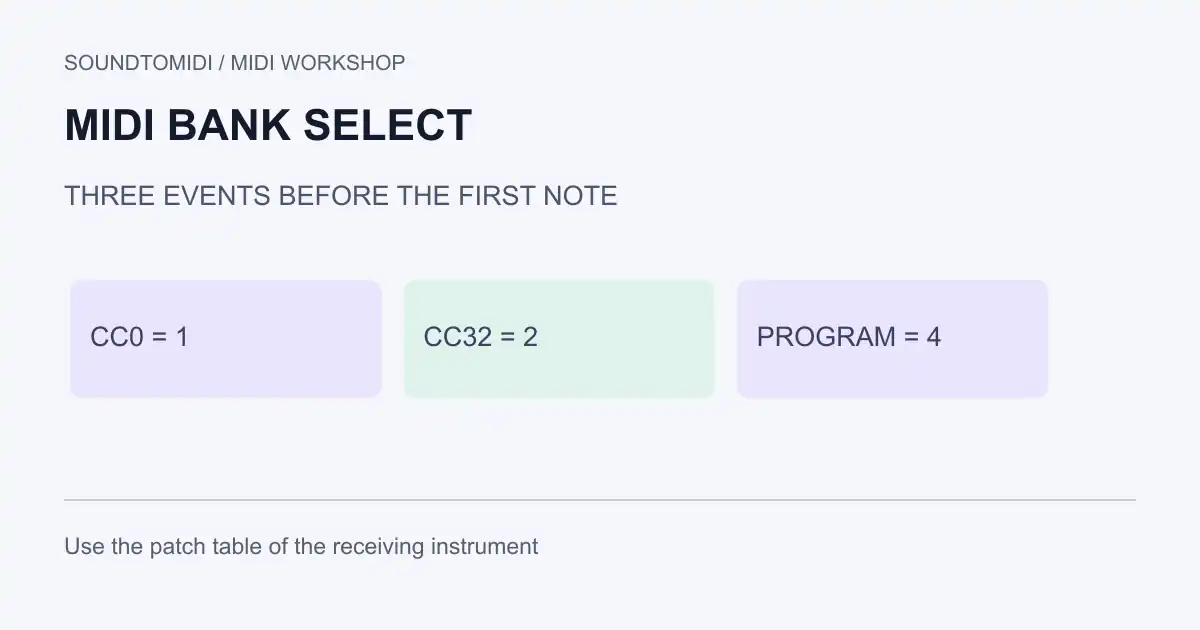
MIDI Bank Select chooses a sound bank; Program Change chooses a patch within that bank. In MIDI 1.0, the usual sequence is CC0 for the bank MSB, CC32 for the bank LSB, then Program Change, all on the intended channel. The correct numbers come from the receiving instrument’s patch table.
A bank number is not a universal instrument name. Sending the same three numbers to two different synths can produce different sounds, or no change at all. Use this guide when ordinary Program Change works but the sound you need lives in another bank.
Read the patch table before sending anything
Look for columns named Bank MSB, Bank LSB and Program, Patch or PC in your device or plug-in manual. Record the exact row for the desired sound. Check whether the program column starts at 0 or 1, and whether both bank components are used.
The MIDI Association controller table assigns CC0 to Bank Select and CC32 to its least significant component. HARMAN’s MIDI programming reference illustrates channel status bytes and zero-based program data. These references define the messages, not a particular synth’s sound library.
Inspect a three-message example
Download our bank-select event example. It is a constructed MIDI file for examining message order, not a claim that your device contains a matching bank.
| Order at tick 0 | Channel | Data value | Purpose |
|---|---|---|---|
| CC0 | 1 | 1 | Bank MSB |
| CC32 | 1 | 2 | Bank LSB |
| Program Change | 1 | 4 | Program data byte |
A middle C note begins at tick 480, one beat later, and lasts one beat. The one-beat gap makes setup and note events easy to distinguish in an event list. It is not a universal loading-time requirement.
Program data 4 may appear as program 5 in a one-based interface. Check the actual convention before adding or subtracting one. The file parser verifies the values and their order; the example does not install a patch or emulate an instrument.
Set a patch in a sequencer
- Open a copy of your MIDI project and select the intended instrument destination.
- Find its bank/program controls or open the MIDI event list. A normal audio track’s plug-in preset browser is not necessarily a MIDI Program Change receiver.
- Enter the bank MSB, bank LSB and program from the instrument’s documentation. Keep all three on the same receiving channel.
- Place the setup before the first note that should use that sound. Use the order shown above if you are entering raw events.
- Start playback before the setup events. Confirm the patch name on the receiving instrument, then audition the note.
- Save, close and reopen the project. Test again from the beginning and from the passage you plan to play live.
Some devices use only one bank component or require a particular mode before bank selection works. Follow their implementation chart instead of assuming every combination is supported. Do not substitute another device’s patch table because its sound names look similar.
Why the sound changes back
Search later in the same channel for another Program Change or bank setup. Imported songs often contain an initial patch choice, and another region may send a new one when playback reaches it. A track inspector or plug-in setting may also send its own program on playback.
Temporarily disable one possible source at a time in the project copy. If the right patch stays selected after removing a later event, you have found an override rather than a failed bank command. Keep intentional patch changes in other sections.
If only one part is wrong, compare its output port and channel with the working part. Our channel versus track guide explains why two visible tracks can still address the same instrument.
What a MIDI export can preserve
A compatible sequencer can store these control and program messages in a MIDI file. It does not embed the receiving synth’s sample library, paid expansion or plug-in preset. For collaboration, provide the device name and patch details, plus an audio reference when the sound matters.
SoundToMIDI’s note editor does not preserve arbitrary bank/program automation when rebuilding an edited MIDI. Use a controller-aware sequencer for this task. For a simpler instrument substitution, see changing a MIDI instrument. If you are starting with MP3 audio rather than MIDI events, convert the notes first; transcription cannot recover the original synth’s bank address from its sound.