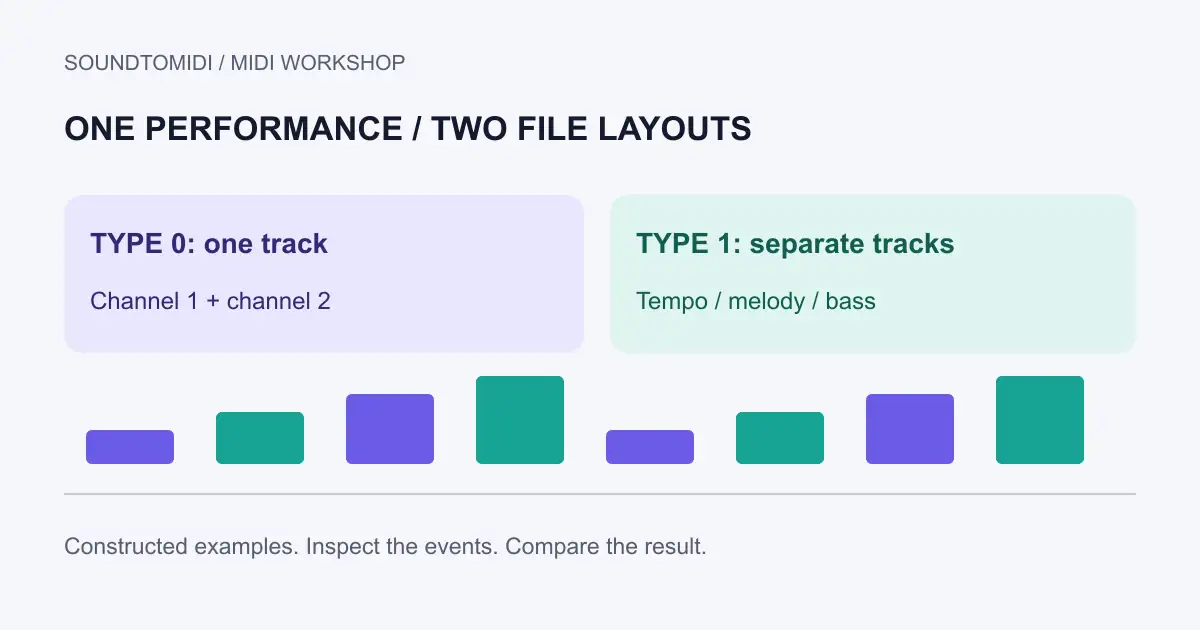
MIDI type 0 stores events in one track; type 1 stores synchronized tracks. Neither format is a higher-quality recording. Both contain instructions for an instrument, and a type 0 file can still contain events on several MIDI channels.
Choose the format your destination accepts. A keyboard that requests type 0 needs that compatibility choice, while a sequencer may make a type 1 arrangement easier to inspect. Changing the file extension from .mid to .midi does not change its internal format.
Tracks and channels answer different questions
A track organizes events inside the file. A channel identifies the MIDI destination for channel messages. Do not infer the number of instruments from the number of file tracks: a single track can contain several channels, and several tracks can use one channel.
The Mido file documentation distinguishes a single-track type 0 file, synchronized type 1 tracks and independent type 2 sequences. The MIDI Association’s file overview explains that MIDI files carry timed events and can include tempo, time signatures and track names. They do not contain your synthesizer’s recorded sound.
For a practical choice, ask what you will do next. If you are editing the bass separately from the melody, named tracks are convenient. If you are loading a file into a particular instrument, its documented import requirements matter more than convenience. Keep the original and export a second copy when testing compatibility.
Compare two files with the same notes
We constructed these files specifically for this guide:
Both contain four melody notes, 60, 62, 64 and 67, on channel 1, plus two bass notes, 48 and 43, on channel 2. Their tempo is 120 BPM. Melody notes start on successive beats; bass notes start on beats one and three. These are file-structure examples, not audio transcription results.
Import each into an empty project. Look for six note events in total and compare their starting positions. Your application may split channels into separate tracks automatically, so its visible track count need not match the file’s stored track count. The music should retain the same pitches and timing when routed to equivalent instruments.
| Check | Type 0 example | Type 1 example |
|---|---|---|
| Stored tracks | 1 | 3, including the tempo track |
| Channels carrying notes | 1 and 2 | 1 and 2 |
| Note events | 6 | 6 |
| Tempo | 120 BPM | 120 BPM |
If only the bass disappears, investigate channel routing before blaming the format. If every note plays on one piano, the player may simply use a single instrument for both channels. Neither observation proves that pitches were lost during conversion.
Converting the format safely
Use a sequencer or file utility that explicitly offers Standard MIDI File type 0 or type 1 export. Save to a different filename, reopen the exported copy, and check notes, channels and tempo against the original. An export dialog saying only “MIDI” may not offer a format choice; consult that application’s documentation.
Merging tracks must preserve event timing and controller messages. Splitting a track must preserve the tempo information needed by the result. A file can open successfully while losing a pedal release or playing at a default tempo. Listen through the end, including any sustained notes, before sending the file to another device.
If your real goal is separate editable instrument parts, use the track-splitting guide. A format change alone cannot determine which notes belong to the singer or guitar when they were all transcribed onto the same channel.
Where SoundToMIDI fits
Already have a MIDI file? Open the MIDI editor to inspect notes locally. Use a DAW or a dedicated file utility when you need explicit format selection or multichannel routing; this article does not promise those controls in the browser editor.
Starting with a recording? The audio converter creates a free Raw MIDI download without an account. Check the notes first, then handle destination-specific file requirements. The separate silent MIDI checklist is more useful than another format conversion when the notes are present but no instrument is playing them.