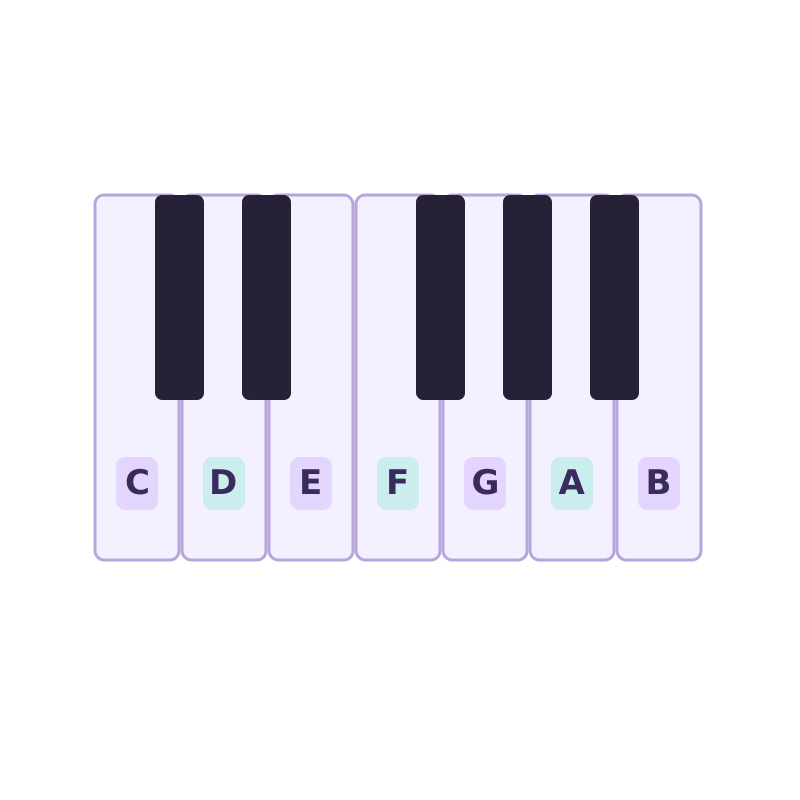
Find your notes
Piano key stickers
Letter labels for learning your keyboard. Check key size and layout before buying.
View on AmazonRuns in your browser · nothing uploaded
This audio to MIDI converter turns recorded music into editable notes, free and private. Drop an MP3, WAV, FLAC, M4A, OGG, or compatible MP4 and the notes are transcribed on your device. No upload or sign-up.
Drop an audio file to convert to MIDI
MP3 · WAV · FLAC · M4A · OGG · AAC · MP4 · WebM · up to 100 MB — stays on your device
MP4 and WebM need an audio track your browser can read. If a video does not open, export its audio as MP3 or WAV. For files over 100 MB, choose a shorter recording or export just the audio.
Record one voice or instrument for up to 60 seconds. Listen before converting.
Drag the Start and End markers to choose a phrase, or enter exact times below.
Start with a clear 10–30 second phrase. Pauses inside your selection stay in place. The MIDI starts at the selection’s beginning.
Loading the AI model…
Transcribing…
Hear the original, Raw MIDI, and the full Cleaned MIDI in this browser.
Playback controls affect MIDI listening only. Original audio and exported timing stay unchanged.
Nothing playing.
Cleanup refines these detected notes; it does not run a more accurate transcription model.
Adjust the Cleaned MIDI here. Your free Raw MIDI stays unchanged.
Edits update the preview, piano roll and Cleaned MIDI download together.
Reset edits before changing automatic cleanup. Reset can be undone.
This result is paid for. Further edits to this result are included in this browser.
Tap a note, or use Previous / Next. Change its pitch, start or length, then apply. Times are in seconds from the start of your selection.
Preview before buying. PDF and MusicXML use this score; MIDI keeps your edited timing.
Bar offset adds leading rests to align a pickup; it must be smaller than one bar. Notes below the split go to the bass staff. Empty staves are omitted. Tempo comes from your MIDI timing controls.
Automatic draft · Fixed tempo · Sixteenth-note grid · Suggested hand split. Review notes and rhythm; tuplets, pedal, fingering and tempo changes are not inferred. Swipe sideways inside the paper on small screens.
8 files · ZIP + individual downloads · Same-result edits included
One-time purchase. Automatic score draft; synthesized WAVs.
Score notes and rhythm may need corrections; accompaniment and fingering are not added. WAV exports support up to 10 minutes of notes. New conversions need a new pack. No subscription. Download and keep a copy in this browser. Local tasks last up to 7 days, or less if browser data is cleared. No cloud backup or cross-device downloads. Terms · Payment help
How did this result work for you? Optional
Three steps, all on your device. No software to install.
Add an audio file or a compatible MP4, or record a short melody with your microphone. Your recording stays on your device.
Choose the phrase you need and listen before converting. Press Convert selection to MIDI to detect its notes.
Download Raw MIDI free, or preview your edited MIDI and sheet music, then buy a Music Export Pack: MIDI, PDF, MusicXML, a piano-roll image and guide.
Most free converters make you sign up, cap your conversions, or upload your audio to their servers. This audio to MIDI converter does none of that.
Your audio is decoded and transcribed on your own device. Nothing is ever sent to a server, so even a copyrighted demo or unreleased track stays with you.
No account, no daily caps, no watermark on the MIDI. Convert as many files as you want — the tool is just a web page running an open model.
Runs Spotify's open-source Basic Pitch neural net — polyphonic and instrument-agnostic, so chords, piano, guitar, vocals and leads all transcribe.
Transpose, filter a note range, adjust timing, or edit individual notes in the Cleaned MIDI. Undo recent changes or reset edits, and compare with your free Raw MIDI.
No render queue and no round-trip. The ~1 MB model caches on your device, so the second conversion starts immediately.
Choose Voice, Piano & Guitar, Bass, or General to set real detection and cleanup controls, then fine-tune any value for the recording.
Hum or play an idea, convert it to MIDI, and keep building in your DAW instead of re-playing by ear.
Turn a guitar or piano part into notes you can slow down, study and re-voice.
Lift a monophonic line into MIDI to re-trigger with any instrument or sound design.
Preview an automatic piano score draft. The paid export pack includes a printable PDF and MusicXML for further editing in your notation app.
Convert a recorded performance to MIDI, then quantize and clean it up on a grid.
Whistle, beatbox a melody, or play a quick idea and get an editable MIDI seed in seconds.
Audio conversion and Raw MIDI downloads are free, with no sign-up or daily limit. Edited MIDI and the automatic score draft can be previewed for free. The optional Music Export Pack costs the one-time price shown beside the buy button and includes Cleaned MIDI, score PDF, MusicXML, a piano-roll PNG and guide. It covers this result and further edits while its local task is available, not new conversions. Cleanup and notation refine detected notes rather than using a stronger transcription model.
No. Your file is read and decoded locally with the Web Audio API, and the AI model runs on your device. The audio never leaves your computer or phone, which makes it safe for unreleased or copyrighted material.
The converter accepts MP3, WAV, FLAC, M4A/AAC, OGG, and MP4/WebM files with a browser-compatible audio track. Codec support depends on the browser. For the cleanest result, use a clear recording where the melody or instrument stands out.
It uses Spotify's Basic Pitch model, which is polyphonic and works across instruments. Clean, isolated parts (piano, guitar, vocals, leads) transcribe best; dense full mixes are harder, as they are for every audio-to-MIDI tool. You can fine-tune onset and note thresholds in Advanced settings.
Yes — MP3 to MIDI is the most common use. Drop your MP3 in and download the MIDI. The same works for WAV, FLAC and M4A files.
The exported .mid is standard MIDI and opens in any DAW or notation software: Ableton Live, FL Studio, Logic Pro, GarageBand, Cubase, Reaper, MuseScore and more.
Yes. It runs in modern mobile browsers too. Larger files take longer on a phone since all the processing happens on your device, but nothing is uploaded.
Free, private and unlimited — right in your browser.
Convert audio to MIDIFor your music setup
Optional extras for practice, voice recording and headphone listening.
Find your notes
Letter labels for learning your keyboard. Check key size and layout before buying.
View on Amazon
Soften vocal plosives
A clamp-on screen for an existing microphone setup. Check that your stand fits.
View on Amazon
Connect your headphones
Two 6.35 mm male to 3.5 mm female stereo adapters for compatible headphone outputs.
View on AmazonAs an Amazon Associate I earn from qualifying purchases. Category illustrations; products may look different.