To convert drums to MIDI, use a workflow that detects percussive hits and maps them to drum sounds. A pitched-note converter is a different tool: it may detect resonances without producing a useful kick, snare and hi-hat pattern. SoundToMIDI’s current audio transcription is aimed at pitched notes, not a dedicated drum classifier.
There are also two different outcomes to choose from. Drum transcription gives you events you can play with another kit. Audio slicing gives you MIDI notes that trigger pieces of the original recording. If you want the original break’s sound, slicing may be the closer match.
Choose the result before choosing a command
| Your goal | Suitable starting point | What the MIDI refers to |
|---|---|---|
| Replace kick and snare sounds | Drum-hit transcription | Drum events in a new kit |
| Rearrange the original break | Audio slicing | Slices of the original audio |
| Extract one isolated kick’s timing | Transient-based triggering | A single mapped drum lane |
| Recover every instrument from a full song | Separate and inspect sources first | No guaranteed complete reconstruction |
A .mid file alone does not carry the audio slices. If you send a sliced MIDI clip to someone without the associated samples and mapping, they may hear unrelated notes or silence. A transcription also does not preserve the recording’s room sound or drum tone.
A documented Ableton workflow
Ableton Live 12’s manual distinguishes Convert Drums to New MIDI Track from Slice to New MIDI Track. The drum command extracts rhythms and attempts to identify kick, snare and hi-hat for a Drum Rack. Slicing divides the recording into audio pieces triggered by MIDI. The manual also recommends clear attacks and isolated material, and describes adjusting transient markers before conversion.
In Live, select a short audio clip and use the appropriate command from its context menu. Check feature availability in your edition. We are describing the documented workflow, not claiming a benchmark from running this recording through Live.
Keep the source on a separate muted track. First compare timing; then compare which drum each event triggers. If the hits are placed correctly but the sounds are wrong, remapping is more useful than converting the same recording again.
Inspect a known one-bar rhythm
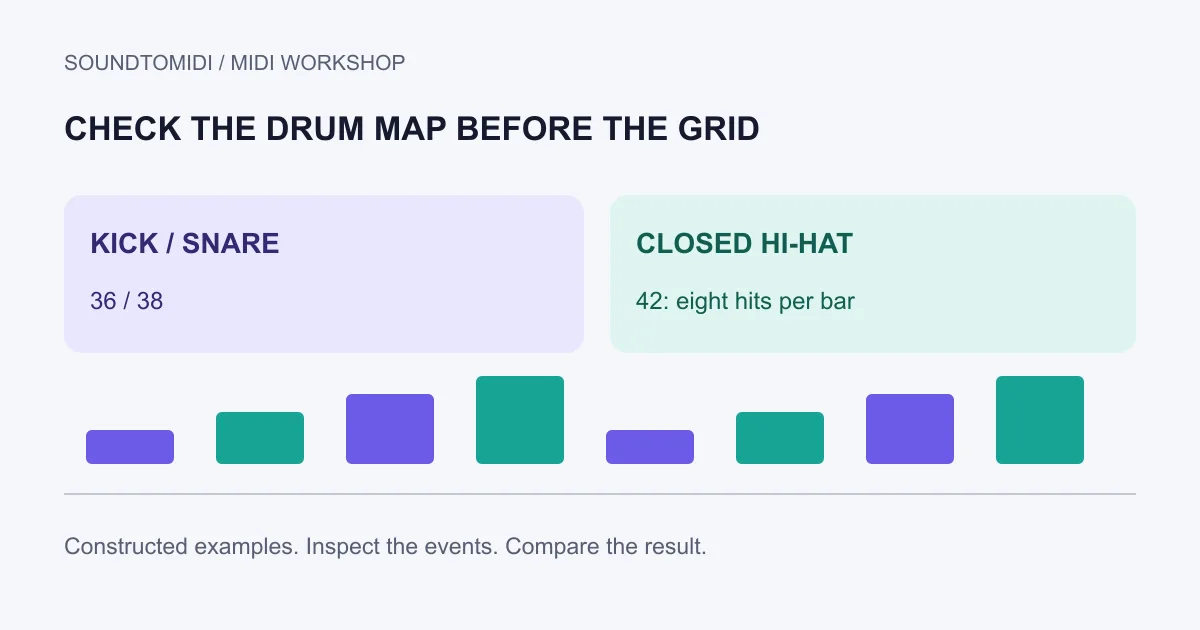
Our constructed drum pattern contains one bar at 120 BPM. It uses channel 10, with note 36 for kick, 38 for snare and 42 for closed hi-hat in the intended test mapping. Confirm that your kit assigns those sounds to those notes; custom kits can differ.
| Lane | Start times | Hit count |
|---|---|---|
| Kick, note 36 | 0 and 1.0 seconds | 2 |
| Snare, note 38 | 0.5 and 1.5 seconds | 2 |
| Hi-hat, note 42 | Every 0.25 seconds from 0 to 1.75 | 8 |
This file was programmed for inspection. It is not an audio-transcription output or a claim about any model’s accuracy. Import it, select a drum instrument and verify the three lanes. If it plays pitched piano notes, choose or configure a drum destination before troubleshooting the MIDI.
Use the same check on your converted clip. Count the obvious kick and snare attacks in a short loop, compare their positions, and listen for missed quiet hits and false extra attacks. A busy piano roll is not evidence of a more detailed drum transcription.
Correct mapping before quantizing
Move wrongly assigned hits to the appropriate drum lane while keeping their starting times. Then inspect dynamics: a quiet ghost note and an accidental duplicate should not receive the same treatment. Keep a version before cleanup so you can restore an intentional detail.
Only after the pattern makes sense should you decide whether to tighten timing. Swing and human timing can be part of the groove. The quantization guide explains how a grid and correction strength affect note starts. Snapping every hit to a straight grid can change the feel even when it makes the display look tidier.
If you need separate kick, snare and hat tracks for editing, use MIDI pitch separation. Check the receiving instrument and audio routing after the split. Separate note lanes do not automatically create independent mixer outputs.
Use the right handoff for the rest of the song
For a bass line, piano phrase or hummed melody alongside your drums, SoundToMIDI’s free audio-to-MIDI converter can provide pitched Raw MIDI locally without an account. Use an isolated source and check the result. It should not be presented as a substitute for dedicated drum detection.
The useful finish is a pattern you can audition, edit and route to the intended kit. Keep the source audio and a clean MIDI copy together in your project; they answer different questions when you later need to check a missing hit or recreate the original sound.