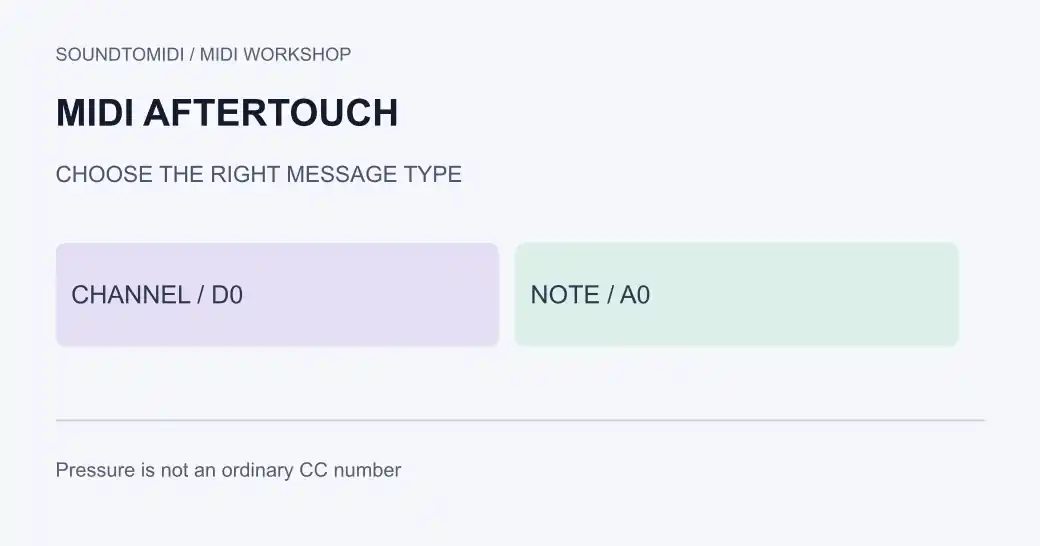
MIDI 1.0 aftertouch has no ordinary CC number. Channel pressure and polyphonic key pressure are separate message types. A controller or plug-in can map pressure to a CC, but that mapping does not make aftertouch itself CC1, CC11 or another controller number.
Pressure describes what happens after a key has been struck. Velocity is attached to the note’s initial attack. If changing velocity does not reproduce a swelling sound during a held note, look for pressure or controller events rather than repeatedly adjusting the attack.
Channel pressure or polyphonic pressure?
Channel pressure supplies one value for the channel. Polyphonic key pressure includes a note number, so a receiver can distinguish pressure on one held key from pressure on another. Both require support and a meaningful sound assignment at the destination.
Apple’s poly aftertouch documentation shows separate channel, note and pressure fields in Logic Pro’s Event List. The MIDI message summary distinguishes this from the shorter channel-pressure message.
For channel 1, these hexadecimal examples describe different events:
| Bytes | Meaning |
|---|---|
D0 40 | Channel pressure value 64 |
A0 3C 40 | Polyphonic pressure value 64 for note 60 |
B0 01 40 | CC1 modulation value 64 |
A MIDI monitor may label the first two as Channel Aftertouch and Poly Aftertouch. The labels vary; inspect the fields rather than searching only the controller-number list.
A two-note comparison
Download channel-pressure example and poly-pressure example. Each holds notes 60 and 64 together for four beats at 120 BPM, with velocity 80. At beat 1, pressure rises to 80; at beat 3 it returns to zero.
In the channel-pressure file, the pressure event has no individual note field. In the poly-pressure file, it targets only note 60. The notes and timing are otherwise identical. A compatible patch with pressure mapped to a clearly audible parameter can demonstrate the distinction; a patch without that mapping may sound identical in both cases.
We verified the files’ event types, note fields and timing with an independent MIDI parser. This verifies the data, not a guarantee of response from your keyboard or plug-in. Import into a project copy and inspect the event list before auditioning.
Locate the missing stage
- Hold a key and press farther while watching the controller’s output in a MIDI monitor. Some keyboards transmit velocity but no aftertouch.
- Identify whether the device sends channel pressure or polyphonic pressure. Do not configure the receiver for the other type and assume they are interchangeable.
- Record a short region and inspect the saved pressure events. Input activity alone does not prove the recorder retained them.
- Check the instrument’s pressure assignment. Try a documented pressure-sensitive patch before changing the whole routing setup.
- Compare live input with playback. If the live performance works but playback does not, check the recorded lane and MIDI filters. If neither works, inspect input and receiver support first.
In Logic Pro, the lane inspector distinguishes C-Press and P-Press event lanes. Those documented labels are useful for finding the right event family, though your installed version may organize the interface differently.
What gets lost when pressure is converted?
Reducing per-key pressure to one channel value removes information about which key received which pressure. With two held notes, a single channel value cannot express two independent pressure levels. Keep the original performance before applying a conversion or remapping tool.
Also keep pressure separate from velocity. A softer Note On changes the attack information; it does not insert a pressure movement halfway through a sustained note. When sharing a part, include an audio reference and identify the receiving instrument so the next musician can hear the intended result.
SoundToMIDI can help extract notes from a recording, but it does not reconstruct the original keyboard’s pressure messages. Its note editor is not an aftertouch-preserving editor. Finish pressure work in a sequencer that displays and exports these events, and reopen the exported file to check they remain.