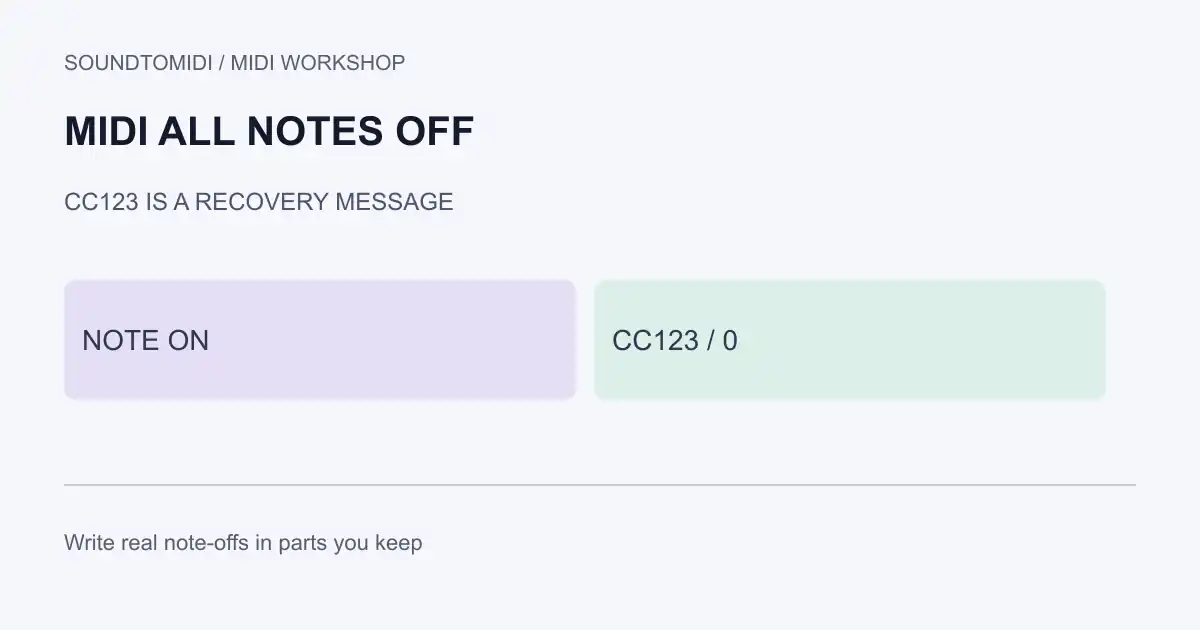
All Notes Off is the conventional MIDI Control Change 123. A value of 0 asks receivers that implement the message to release active notes on that channel. It is a recovery tool, not a substitute for writing correct note-off events in a part you intend to keep.
Stuck notes also come from a held sustain pedal, overlapping notes, a missing note-off, or a synth voice that ignores All Notes Off. Treat each cause separately.
What the channel mode messages do
| Controller | Common name | Typical intent |
|---|---|---|
| 120 | All Sound Off | Silence sounding voices more aggressively on supporting devices |
| 121 | Reset All Controllers | Return many controllers toward defaults |
| 123 | All Notes Off | Release notes that the receiver still considers active |
The MIDI Association controller table documents these channel mode messages. Support varies. Some instruments silence immediately; others ignore the message or only respond in certain modes. A DAW “panic” button may send several of these messages plus explicit note-offs.
If the hang is specifically a sustain pedal left high, use the stuck sustain pedal guide before relying on panic.
Inspect a stuck-note example
Download stuck-note-then-all-notes-off.mid and clean-note-off.mid.
| File | Events of interest |
|---|---|
| stuck-note-then-all-notes-off | Note On at tick 0; CC123 value 0 at tick 960; an explicit Note Off later for inspection |
| clean-note-off | Matching Note On / Note Off with no All Notes Off |
Both use note 60, velocity 80, channel 1, 120 BPM. The stuck example is for diagnosing receivers and monitors. It is not a recommended composition style. Confirm CC123 in the event list. Whether silence occurs depends on the instrument’s implementation.
We verified the event types and timing with a MIDI parser. No claim is made that every plug-in treats CC123 identically.
Practical recovery order
- Stop playback and send the host’s MIDI panic / reset if it has one. Ableton, Logic, Reaper and Cubase each expose a panic or similar control; use the host’s documented control rather than guessing keystrokes from a forum post.
- Check CC64 sustain on that channel. A pedal value above 0 can retrigger the hang after notes are released.
- Look for notes without matching note-offs, especially after punch-in recording or incomplete merges. See overlapping MIDI notes.
- Send CC123 and, if needed, CC120 on the hanging channel. Confirm the messages leave the computer in a MIDI monitor.
- Power-cycle or reset only the offending instrument after musical data is saved. Hardware reset is a last step, not the first diagnosis.
Keep the repaired file honest
After recovery, write proper note-offs and controller resets into the regions you will keep. Leaving only a panic event at the end can silence a live take while leaving the stored MIDI incomplete for the next player.
SoundToMIDI can help turn audio into notes, but transcription will not invent the original performance’s clean note ends if the source is a continuous pad. Finish note-off cleanup in a sequencer, then reopen the exported MIDI to confirm the ends remain. For broader structural damage, see repair MIDI file.