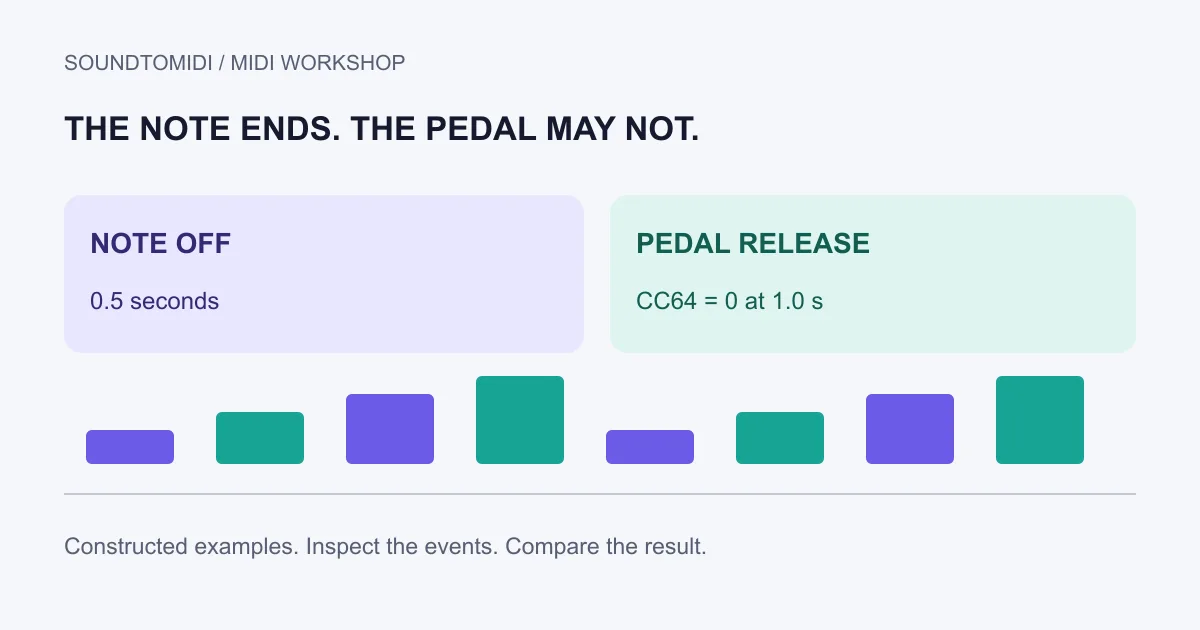
If MIDI sustain is stuck on, check the sustain controller data before shortening every note. A note can reach its note-off event while a sustain pedal continues to hold its sound. A long instrument release or reverb tail can also continue after the note ends, so the sound alone does not identify the cause.
Stop playback and use your instrument’s panic or all-notes-off control if needed. Then diagnose in a copy of the project at a comfortable monitoring level. The goal is to find the event or setting responsible, not to remove all musical sustain from the performance.
Start with what you can observe
| Observation | Next check |
|---|---|
| Note rectangle itself is unusually long | Note duration and overlap |
| Rectangle ends, but a piano keeps ringing | Sustain-controller lane |
| A soft tail remains with no pedal data | Instrument release and reverb |
| New keyboard performances sustain unexpectedly | Hardware pedal setup and incoming MIDI |
For MIDI 1.0, the MIDI Association’s controller table assigns sustain to CC64: values 0–63 indicate off and 64–127 indicate on. A straightforward diagnostic uses 0 for off and 127 for on. More detailed pedal behavior depends on the receiving instrument.
Check the channel as well as the controller number. A pedal-release message on channel 2 does not necessarily release notes sounding on channel 1. The event list is useful when a graphical lane makes that distinction hard to see.
Compare a held pedal with a released pedal
These two constructed files use the same note and timing:
Both begin with CC64 set to 0, turn it on at 0.25 seconds, and end note 60 at 0.5 seconds. The second file sends CC64=0 at 1.0 second; the first deliberately omits that message. Use a sustain-aware piano instrument and inspect its controller lane.
A player may reset controllers when the file ends, so the first example will not remain stuck in every application. That reset behavior is itself useful information. These files demonstrate the event difference, not a universal playback bug. They were not generated from a user’s recording.
Repair the event, then listen through the boundary
In your DAW’s sustain lane or event list, find the pedal-on event and the intended release position. Add or correct the release on the same channel. Keep the surrounding notes intact for the first test. Play from before the pedal-on event through the release and into the next phrase.
Test playback beginning in the middle as well. Some applications chase earlier controller values when you start from a new position; others behave differently. A file that sounds correct only when started at bar one still needs checking before you export a shorter section.
If the problem begins after copying a region, compare the copied controller events with the original. The region may include the pedal press but omit its release. A release at the end of an exported passage can be appropriate, but place it according to the intended phrasing rather than deleting all pedal data.
Separate hardware behavior from recorded MIDI
Disconnecting a pedal does not remove CC64 events already stored in a MIDI clip. Conversely, deleting a clip’s pedal lane does not repair a pedal that sends the wrong state during a new performance. Test a blank project and inspect incoming controller messages to distinguish these cases.
If the physical pedal behaves backwards, consult the keyboard and pedal manuals for polarity and connection requirements. Do not assume every pedal has a polarity switch or the same startup procedure. Follow the device’s instructions before reconnecting or powering equipment.
For overlapping note rectangles, use a note-length repair instead. If the notes are correct and the remaining sound is the instrument’s release, adjust that sound deliberately. A short decay can make the symptom disappear while changing the tone you wanted.
SoundToMIDI’s MIDI editor helps inspect note timing, but this workflow needs a DAW’s controller view for CC64. Starting from audio? Keep the original recording beside the free Raw MIDI conversion and compare what was actually detected. A transcription does not reconstruct the original player’s exact pedal movements.