A MIDI file that will not open needs a different diagnosis from one that opens but makes no sound. First preserve the original, check what kind of file you actually have, and try a known-good reference in the same application. There is no dependable one-click repair for missing note data.
SoundToMIDI’s MIDI editor is not a corrupt-file repair service. Do not overwrite your only copy with an export from any application that imported only part of the song.
Separate three common cases
| Observation | First check | What not to assume |
|---|---|---|
| File opens and notes are visible, but playback is silent | Instrument assignment, routing and mute state | That the file structure is damaged |
| Application rejects the file immediately | File size, actual format and a fresh download | That renaming it will repair it |
| File opens, but the ending or tracks are missing | Compare the source project and another saved copy | That a successful import recovered everything |
For the first case, use the MIDI no-sound checklist. Repairing bytes will not install a sound source or unmute a track. For the other two, keep a copy of the failed download and record the exact error before trying alternatives.
Test the receiving application
Download this valid four-note reference. It is an original Standard MIDI File, format 0, with one track, 480 PPQ and a 120 BPM tempo. Its notes are 60, 64, 67 and 72. We constructed and independently parsed it; it contains no customer audio.
Try it in the same import workflow that rejected your file. If the reference also fails, investigate that workflow’s format support and import settings first. If it opens, the problem is more specific to the original file, though that still does not establish which bytes are wrong.
Keep the test controlled: same application, same import method, and a new empty project. Importing one file as a clip and another as a whole project introduces another variable.
Read the header locally without changing the file
If you are comfortable running Python, this small check reads only the first 14 bytes. It does not upload, repair or rewrite anything. Save it as check_midi_header.py and run python3 check_midi_header.py your-file.mid.
from pathlib import Path
import struct
import sys

path = Path(sys.argv[1])
with path.open("rb") as stream:
    header = stream.read(14)
print("Bytes:", path.stat().st_size)
if len(header) < 14 or header[:4] != b"MThd":
    raise SystemExit("No complete Standard MIDI File header found.")
length, kind, tracks, division = struct.unpack(">IHHH", header[4:14])
print("Header length:", length, "Format:", kind, "Tracks:", tracks)
print("Timing division:", hex(division))
print("Header inspected only; track data has not been validated.")
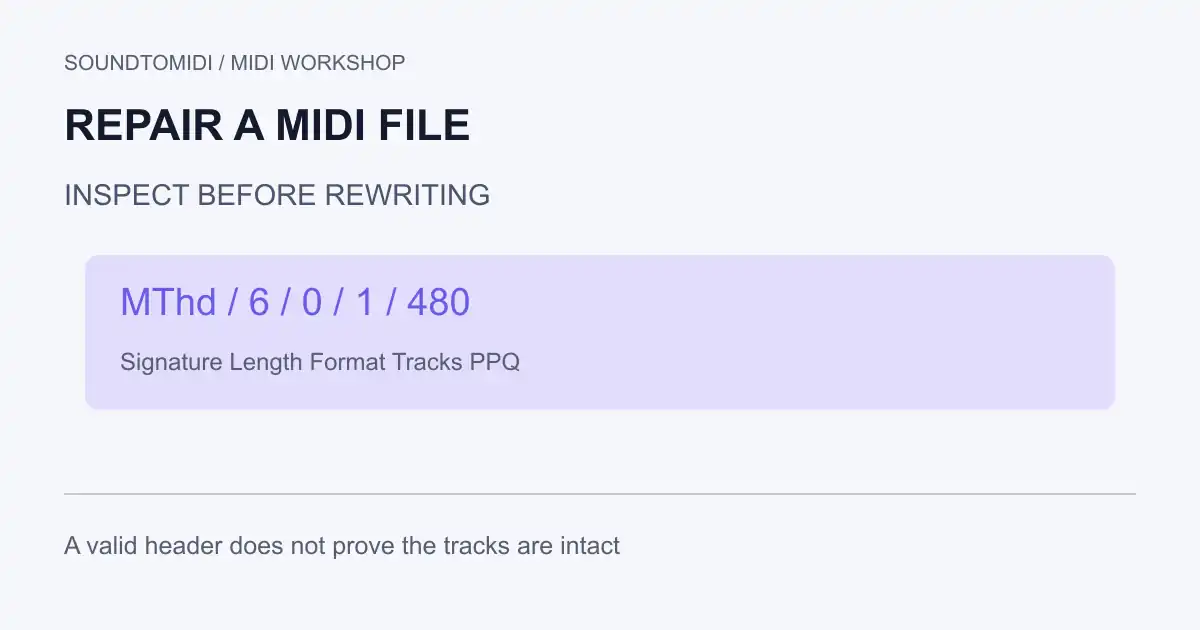
The supplied reference reports header length 6, format 0, one track and timing division 0x1e0 (480). A matching header is only a starting point. It does not validate track lengths, event bytes or whether the original performance is complete.
The Mido parser implementation illustrates why a full reader checks chunk structure and event data beyond this header. This snippet deliberately stops short of being a validator.
If the header is absent
A web download may contain an error page instead of a MIDI file. Download again from the trusted original source and compare the file size. Renaming an HTML page or an audio recording to .mid changes its name, not its format.
A different MIDI-related format is also possible. Mido’s file documentation distinguishes Standard MIDI Files from SysEx files; a SysEx dump is not a note sequence simply because it contains MIDI messages. Use the exporting application’s documented format options rather than pasting an MThd signature onto unknown data.
Recover from the best surviving source
Prefer a fresh export from the original DAW project, then a verified project backup or earlier MIDI copy. If another application can read the damaged file, export its recovered data under a new name and compare it carefully. A tolerant importer may have skipped events without telling you exactly what was lost.
Check track count, last note position, tempo changes, controllers and recognizable passages near the beginning and end. For a multitrack file, make sure a merged export has not hidden missing parts; the format 0 versus format 1 guide explains that structural difference.
When data is physically absent, repairing a length field cannot recreate the missing performance. Manual reconstruction or retranscription from an authorized recording may be the remaining option. Keep that distinction clear: rebuilding notes is new work, not proof that the original file was repaired.