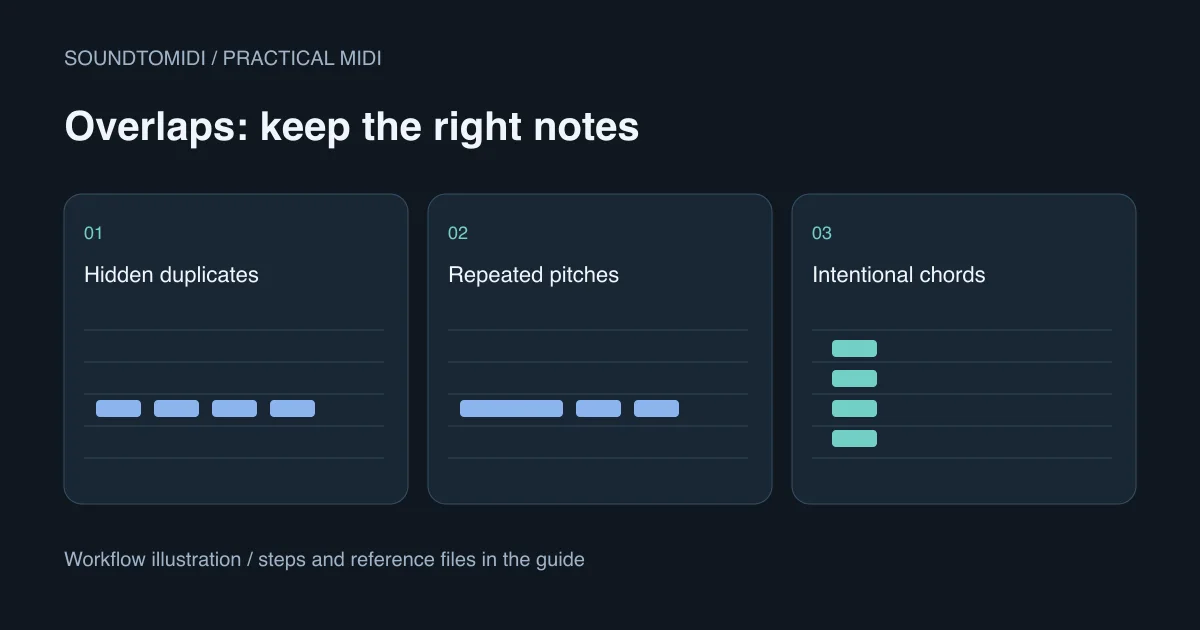
Overlapping MIDI notes are not always an error. Chords, sustained accompaniment and legato phrases can legitimately overlap. Before deleting anything, identify whether you have duplicate events, repeated notes of the same pitch, or different pitches that are meant to sound together.
Work on a duplicate of the MIDI part. Choose a plain instrument and inspect a short passage at a close zoom level. The same events can sound different on a piano, a sustained synth and a monophonic lead, so the instrument is part of the diagnosis.
Separate three different situations
| What the editor shows | What it may mean | First check |
|---|---|---|
| Two identical notes at the same start | Accidental duplicate or deliberate layering | Select events and inspect their positions |
| A repeated pitch begins before the previous one ends | Same-pitch overlap | Compare the earlier note’s end with the next attack |
| Several different pitches share time | Chord, sustain or unwanted transcription notes | Listen to the source before deleting |
Two stacked events may look like one rectangle. Moving a suspected note temporarily can reveal another underneath; undo that diagnostic move before deciding what to remove. Do not assume every editor’s overlap selection command means “select exact duplicates.”
The FL Studio Piano roll menu distinguishes Select overlapping notes from Select stacked notes. Read what the selection includes before pressing Delete. A broad selection on a chord passage can remove notes you intended to keep.
Inspect a controlled repeated-note example
Download these constructed MIDI examples:
Both contain two events at MIDI note number 60. The first begins at 0 seconds and the second at 0.5 seconds. In the overlapping version, the first lasts 0.75 seconds. In the corrected version, it ends at 0.49 seconds. The second lasts 0.4 seconds in both files.
Import them into separate tracks or clips and inspect the note ends. These are diagnostic files, not audio-conversion outputs. Playback depends on how the destination instrument handles repeated pitches and note-off messages; we do not promise that every instrument will make the fault audible in the same way.
If a short repeated note cuts out unexpectedly, compare this structure with your own part. Apple’s Logic Pro for iPad guide describes same-pitch overlap problems and a Remove Overlaps command. It also documents choices for preserving or shortening chord notes. Those interface instructions are specific to that product, not a universal shortcut.
Trim a collision without changing the melody
Find the next intended attack and shorten the earlier note to end just before it. Keep the later note’s pitch and starting position unchanged. Listen again at the original tempo, then compare with the source recording if the MIDI came from transcription.
A small gap can make repeated attacks clear, but it is a musical choice. A sustained string phrase may need connected notes, while a plucked part may need separation. Do not apply one fixed gap to every note in a whole song without checking the result.
If the overlap appeared after quantization, inspect what moved. Advancing a note’s start while preserving its duration can cause it to reach into the next event. Revisit only that passage rather than applying another global timing change. The quantization guide shows how to compare starts and lengths separately.
Do not mistake chords or sustain for duplicates
A C, E and G starting together are three different pitches. Removing two to make the view monophonic changes the harmony. Likewise, a low sustained note under a melody can be intentional even though their rectangles overlap in time.
If a note continues sounding after its displayed end, check sustain-controller data and the instrument’s release envelope. Shortening the rectangle may not silence a pedal-held or slowly releasing sound. If the entire file produces no sound instead, use the MIDI playback checklist; that is a different problem.
For transcription, compare suspicious notes against the recording. Reverb and strong harmonics can contribute to unwanted events, but not every extra note is a model error. Keep a version before cleanup so you can restore a missing chord tone or quiet note.
Bring a cleaner phrase into the editor
The free audio-to-MIDI converter can create Raw MIDI from a supported recording locally in your browser without an account. Start with an isolated instrument and a short phrase, inspect the preview, and download the notes for further editing. Optional project exports and AI arrangements are separate from that free path.
Judge the cleanup by the musical result: the intended pitches remain, repeated attacks work, and the phrase still fits its accompaniment. A piano roll with no overlaps is not automatically better. Save the corrected file separately and keep the original until the part works in your actual instrument and arrangement.