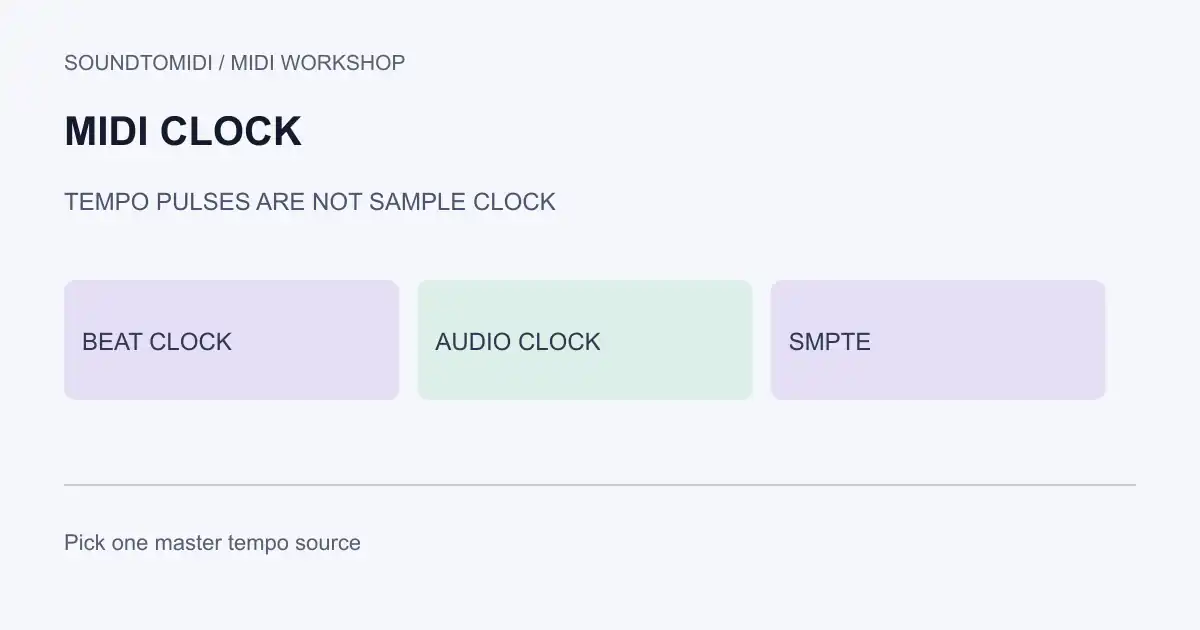
MIDI Clock (often called MIDI Beat Clock) is a realtime tempo pulse stream. Compatible devices use it to run sequencers, arpeggiators and drum machines at a shared musical tempo. It is not the digital audio sample clock that drives converters, and it is not SMPTE/LTC time code for reel or video timelines.
Use this page when gear drifts apart, when a slave device ignores tempo changes, or when a setup mixes “clock,” “sync” and “time code” labels loosely.
Messages that travel with clock sync
| Message | Role |
|---|---|
| Timing Clock | Regular pulses tied to tempo (24 pulses per quarter note in MIDI 1.0 Beat Clock practice) |
| Start / Stop / Continue | Transport control for listening devices |
| Song Position Pointer | Bar/beat location so a device can jump before continuing |
Exact menu names differ by manufacturer. The MIDI Association realtime message overview places Timing Clock among system realtime messages. Follow your device’s sync chapter for master/slave switches, clock connectors and filtering.
What MIDI Clock does not do
- It does not replace audio word clock. Sample-rate alignment between interfaces is a digital-audio job.
- It does not automatically fix a wrong tempo map inside a Standard MIDI File. File tempos are meta events; see MIDI tempo map.
- It does not guarantee phase-accurate sample alignment between two audio recorders. Musical tempo sync and sample-accurate sync are different success criteria.
- It does not equal SMPTE. Timecode follows wall/film time; Beat Clock follows musical pulses.
If playback is simply too fast or slow inside one file with no external device involved, start with MIDI plays too fast before adding sync hardware.
Setup checklist
- Choose one master tempo source. Avoid two devices both set to internal master.
- Connect the clock path your hardware actually documents: DIN MIDI, USB MIDI, or a host’s virtual MIDI routing.
- Set the slave to external MIDI Clock and verify it follows tempo changes from the master.
- Test Start/Stop. If tempo follows but transport does not, the device may listen to clock pulses while ignoring transport messages, or filtering may be enabled.
- For late-feeling slaves, measure whether the issue is sync offset or monitoring latency. Shift and buffer problems need different fixes.
- Save the working routing. Reboot both ends and confirm the slave still follows before a performance.
Files, conversion and sync
A transcribed MIDI file contains notes and usually tempo meta events. It does not emit realtime MIDI Clock while sitting on disk. After you convert audio to MIDI, set the project tempo and, if needed, enable the DAW as clock master for external gear.
SoundToMIDI does not provide hardware sync services. Keep clock routing in the host and devices responsible for live tempo.