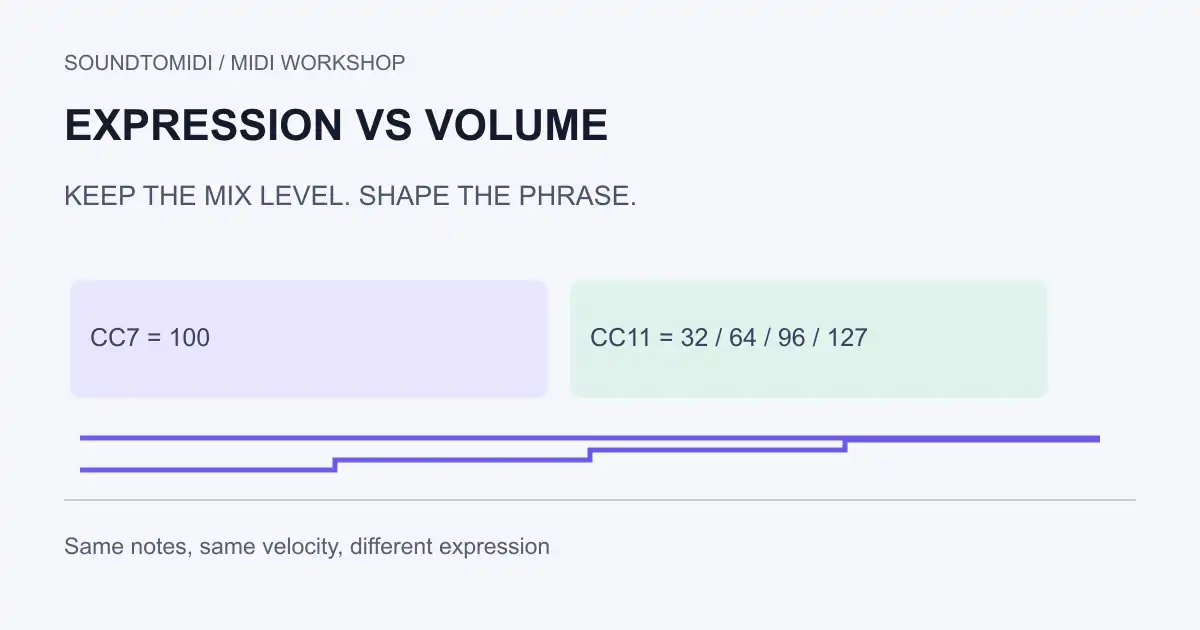
MIDI channel volume, CC7, is commonly used to set a part’s overall level. Expression, CC11, gives that part another level control for shaping a phrase. Note velocity belongs to each note attack. These are separate messages, even when all three seem to make the instrument louder or quieter.
Use CC7 for a stable balance and CC11 for swells when your instrument supports that convention. Check the instrument’s mapping: a sample library may assign dynamics or timbre to a different controller, and a plug-in may ignore an unmapped CC entirely.
Keep these three controls separate
| Control | Attached to | Useful question |
|---|---|---|
| Velocity | A note-on event | How should this particular note begin? |
| CC7 channel volume | A MIDI channel | Where does this part sit in the mix? |
| CC11 expression | A MIDI channel | How should this phrase rise or fall? |
The MIDI Association’s controller list identifies CC7 as Channel Volume and CC11 as Expression. Apple explains how control-change events carry controller information to instruments. Neither guarantees that an arbitrary plug-in has adopted a particular musical response.
Changing a DAW’s audio fader may happen after the instrument produces sound. Sending a MIDI controller changes information received by the instrument or its routing. They can feel similar while being stored and exported differently.
Try two files with identical notes
Our original reference files contain four middle C notes at 120 BPM, each lasting half a beat. Every note has velocity 80. They are constructed MIDI examples, not recordings converted by the website.
- Steady expression: CC7 stays at 100; CC11 starts at 127 and stays there.
- Changing expression: CC7 stays at 100; CC11 is 32, 64, 96 and 127 before the four notes.
The file checks confirm that pitches, start times, durations and velocities match. Only the expression events differ. A compatible instrument should respond to the second file’s changing expression, but its loudness curve and tone are instrument-dependent. These numbers are not percentages of perceived loudness.
Open the files in a MIDI sequencer with an event list or CC11 lane. Compare the notes first, then the controller events. Do not use a note-only importer to judge whether the controller data survived.
Diagnose a part that stays unexpectedly quiet
- Turn monitoring down to a comfortable level before changing controls. Check that the instrument itself is receiving notes.
- Inspect both CC7 and CC11 at the start of the passage. Raising one may not compensate for the other being very low.
- Search earlier in the track for a controller value that remains active. Stopping playback does not necessarily restore the intended value.
- Enter explicit starting values in the project copy and replay from before them. Use the instrument’s documented normal settings, not an assumed universal reset.
- Check the DAW fader, mute/solo state and instrument output separately. A normal CC11 value does not rule out an audio-routing issue.
- Reopen the exported MIDI and inspect its events. If the expression is missing, check the export method before redrawing the performance.
A single sustained note can also be useful for testing whether a controller changes an already sounding voice. Choose a sound that actually sustains; a short percussive sample can decay before your controller change becomes audible.
Shape the phrase without overwriting its balance
Start with a simple passage. Keep CC7 at your chosen mix level and draw a small CC11 rise and fall. Listen in context before adding more points. A four-step test is good for checking routing; a performance may need smoother changes.
If the instrument’s dynamics control changes sample layers or tone, decide whether that should move with expression. Do not assume CC1 and CC11 are interchangeable, or copy another library’s automation without checking its manual. Keep a copy of the original controller lane so that you can compare the result.
For changing the attack of individual notes, use velocity editing. For controls that unexpectedly affect another part, check channel routing.
Where SoundToMIDI fits
SoundToMIDI can help obtain editable notes from a recording and adjust note velocity, pitch and timing. Its current note editor is not a CC7/CC11 automation editor and should not be used to preserve these example files’ controller lanes. Finish controller work in a sequencer that displays and exports it.
If your source is audio, start the converter and check the transcription before arranging expression. A successful conversion does not reconstruct the original player’s controller gestures.