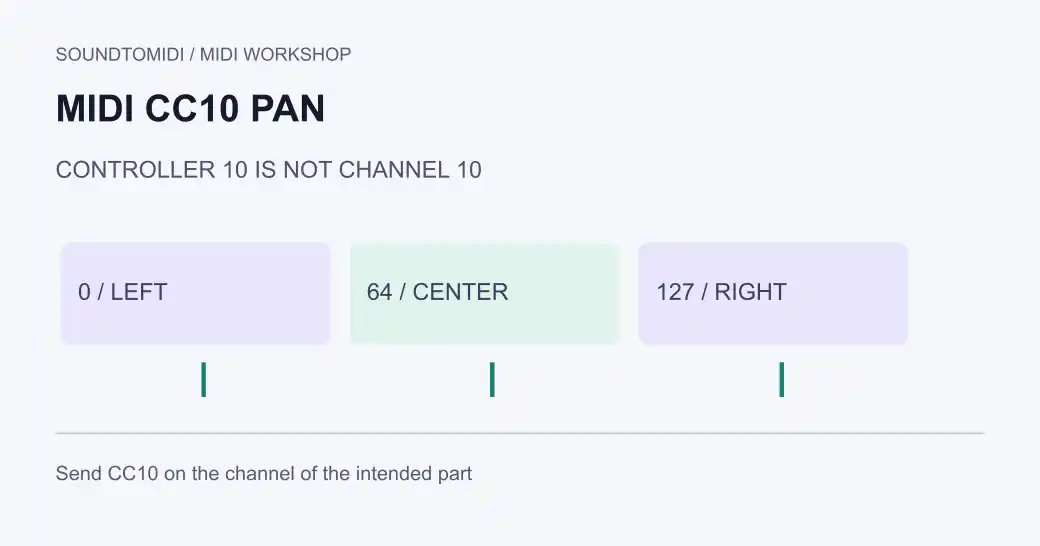
MIDI CC10 is the conventional pan controller. For a compatible receiver, value 0 is hard left, 64 is center and 127 is hard right. The controller number is 10; that does not mean you should send it on MIDI channel 10. Send it on the channel of the part you want to position.
If a pan control snaps back when playback starts, look for recorded controller or automation data before replacing the instrument. If CC10 does nothing, check the receiver’s mapping and the destination channel.
Controller, channel and value are different fields
A pan message needs a destination channel, a controller number and a value. To center a part listening on channel 2, send channel 2, CC10, value 64. Sending CC2 on channel 10 is a different message and will not mean the same thing.
The MIDI Association controller table lists Pan as CC10 and Balance as CC8. HARMAN’s message examples show how a Control Change carries both a controller number and its value. The receiver decides which supported controls to apply.
A left-center-right reference file
Download the CC10 pan test. This original constructed file contains three identical middle C notes, each with velocity 80 and a one-beat duration, at 120 BPM.
| Note start | Channel | CC10 value set before the note |
|---|---|---|
| Tick 0 | 1 | 0, left |
| Tick 960 | 1 | 64, center |
| Tick 1920 | 1 | 127, right |
A final center message at tick 2880 restores the example’s intended starting position for subsequent playback. The companion centered reference uses 64 at all four positions. Both files have identical notes and timing; only pan values differ.
A parser confirms the note and controller events. Playback differences depend on the receiving instrument, routing and monitoring. Use a known compatible sound and stereo headphones or speakers to test; a mono output can hide the intended left/right movement.
Find out why the pan keeps moving
- Work in a copy of the project. Solo the affected part and start before the point where it moves.
- Open the region’s controller lane or event list and select CC10. Look for an event near the start, not just one exactly under the playhead.
- Check track automation and the instrument’s own pan controls separately. MIDI region events and DAW mixer automation are not necessarily the same stored data.
- Temporarily disable the suspected lane in the copy and replay the same passage. If the movement stops, edit the specific unwanted event or automation point.
- Inspect other tracks feeding the same receiver channel. A controller in one track can affect notes arriving from another.
- Test from the beginning and from mid-song. Playback chase and retained controller state can make those starts behave differently.
Do not delete all controllers to fix one pan event. That can also remove expression, sustain, instrument selection or intentional changes elsewhere. Keep the correction limited to the relevant channel and passage.
If CC10 has no effect
First verify that the notes and controller messages reach the same instrument. Then check its MIDI implementation or mapping page. Some plug-ins expect host automation or a learned parameter mapping instead of the conventional controller assignment.
For a stereo patch, a pan or balance control may affect the left/right signal differently from a mono sound’s pan. Effects can also spread sound back across both channels. Start with a dry, simple sound for diagnosis, then restore the intended patch and effects.
Apple’s control-change documentation describes controller events as instrument information. Its pan and balance guide distinguishes mixer positioning and pan-law behavior. A controller value of 64 is a position, not a promise of an exact loudness measurement.
Keep the intended controls when sharing MIDI
Reopen the exported file and verify the CC10 events on the expected channel. Send an audio reference if the receiving musician needs to match the stereo image; a different instrument or effects chain can sound different even with the same messages.
SoundToMIDI’s note editor does not provide a CC10 lane or preserve arbitrary controller automation in an edited export. Use a controller-aware sequencer for this task. The channel versus track guide helps with routing, and expression versus volume covers neighboring level controls. If you still need notes from an MP3, start with transcription before setting the instruments and stereo placement.