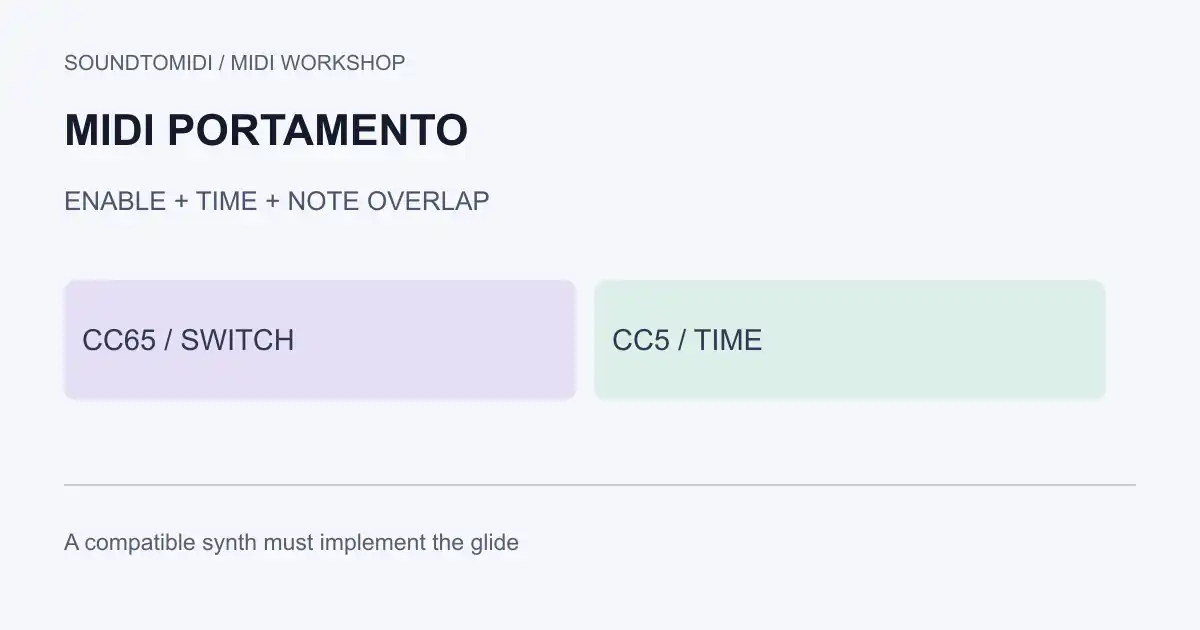
MIDI portamento is a request for an instrument to glide between notes. The conventional controls are CC65 for on/off and CC5 for time. Sending them only helps when the receiving instrument implements those controls; some plug-ins use their own glide parameter or host automation instead.
Start with a patch whose glide you can enable directly. If the patch itself will not glide, adding more MIDI messages is unlikely to fix the problem.
Separate the four controls
Portamento problems often involve four independent choices: whether glide is enabled, how long it takes, how notes overlap, and how the instrument assigns voices. A setting called Legato can make overlap important. A polyphonic patch may handle the same two notes differently from a monophonic lead.
The MIDI controller table assigns CC5 to Portamento Time and CC65 to Portamento. CC65 values below 64 mean off; values of 64 or more mean on. A CC5 value is not a universal number of milliseconds. The receiving instrument determines the response.
Portamento also differs from pitch bend. With glide, the instrument decides how to move between successive notes. A pitch-bend message supplies a bend value independently of that note transition. Do not replace one with the other before deciding which motion you need.
Use the same notes with glide on and off
Download portamento on and portamento off. These original examples use channel 1, 480 ticks per quarter note and 120 BPM.
| Event | Tick |
|---|---|
| CC5 value 64 and CC65 on or off | 0 |
| Note 60 begins, velocity 80 | 0 |
| Note 67 begins, velocity 80 | 480 |
| Note 60 ends | 600 |
| Note 67 ends | 960 |
| CC65 off and CC5 zero | 1200 |
The first note overlaps the second by 120 ticks, or one quarter of a beat. Both files contain exactly the same notes. The only difference is the opening CC65 value: 127 in the on file, 0 in the off file. The final messages clear the example’s glide setting.
A parser check confirms these events and the overlap. The files do not force a synth into mono mode or select a patch. Choose a compatible instrument yourself and keep the test in a project copy. If both sound the same, inspect support and routing before concluding that MIDI portamento cannot work.
A short troubleshooting sequence
First play two notes using the instrument’s own glide control. Keep effects simple enough to hear the transition. If that works, move to MIDI control and check whether CC65 and CC5 reach the same instrument channel as the notes.
Next try the supplied overlapping phrase. If your patch has a legato-only option, compare it with a phrase containing a small gap. Change only that condition. Do not simultaneously alter glide time, voice count and note length, because you will lose track of what caused the difference.
Then inspect the region’s start. A later CC65 value of zero, another track or existing automation can switch glide off after your initial message. Replay from before the phrase and from the middle to reveal retained or chased controller state.
Finally reopen your exported MIDI and confirm that the control events survived. If the export contains only notes, the destination has no recorded glide request to follow.
Follow the instrument’s own implementation
Ableton’s instrument reference documents glide controls for its individual instruments, including different timing and legato behavior. That is a reason to check the specific device section, not assume every instrument responds to the conventional MIDI controls in the same way.
A piano or drum patch is a poor first test for a synth glide effect. Use a sustained synth sound with documented glide, establish that it responds, and then return to the musical patch you want.
Adding expression to transcribed notes
If your input is a recording, convert the audio to MIDI notes first and correct unwanted notes before adding glide. Transcription does not recover the original synthesizer’s portamento settings. SoundToMIDI’s note editor does not preserve arbitrary controller automation, so make the glide changes in a controller-aware sequencer.
For a note that hangs because durations overlap, use the overlapping-notes guide. That is a different repair from deliberately keeping a short overlap to trigger legato glide.