An audio to MIDI converter online takes a recording and estimates editable notes. “Online” describes how you open the tool; it does not tell you whether your recording is processed in the browser or uploaded to a server. SoundToMIDI transcribes locally and offers a free Raw MIDI download. Its optional backups and music arrangements are separate cloud features.
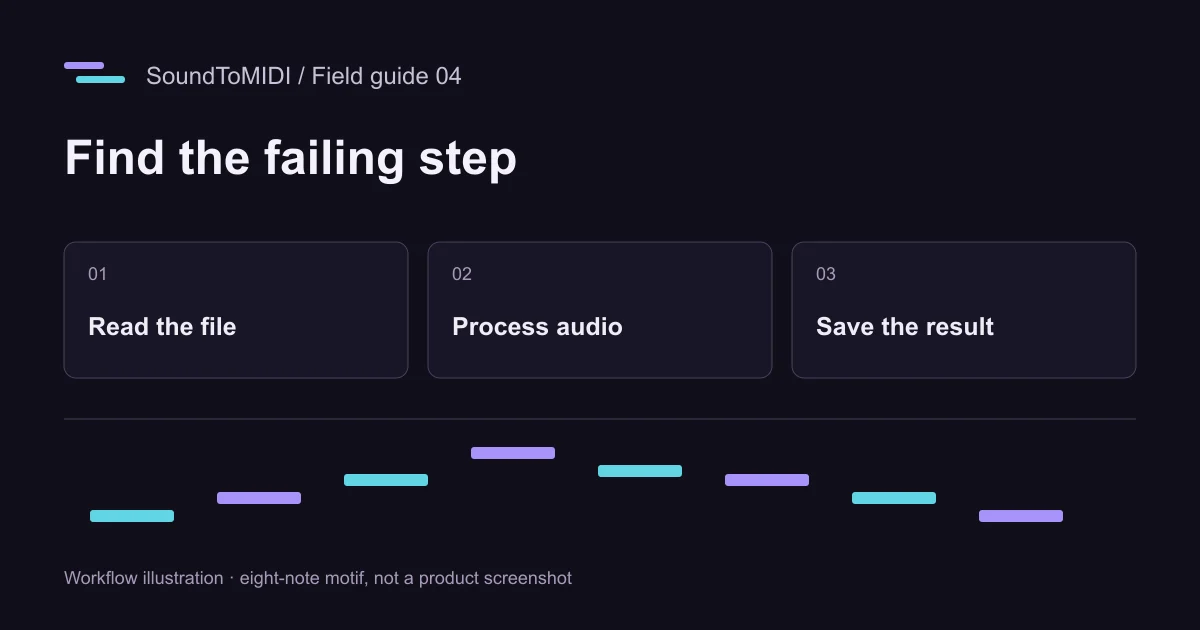
If you want to try the browser converter, start with a short recording. When troubleshooting, check which stage failed before changing note-detection settings. File selection, decoding, transcription, playback and saving are separate stages, with different fixes.
Check the file before the model
A filename ending in .m4a or .mp4 identifies a container, not every detail of the audio inside it. Browser support can therefore differ between files with the same extension. A video also needs a readable audio track; a silent video contains no melody to transcribe.
SoundToMIDI accepts common audio files and supported MP4/WebM inputs. If a file does not load, first open it in your device’s normal player. If it plays there but not in the browser, export a WAV or MP3 copy from software you trust. Renaming the extension does not convert the content.
For a very large recording, make a short excerpt before selecting it. Selecting 15 seconds inside the website reduces the transcription job, but the browser may still need to decode the source file first. A smaller source file is the better diagnostic when the initial load itself fails.
Know which stage you reached
| Last thing that worked | Likely area to investigate | Useful next step |
|---|---|---|
| You can choose a file, but no waveform appears | Reading or decoding the recording | Try a small known-good MP3, then a WAV copy of your source |
| The selected excerpt plays, but transcription has not finished | Model loading or local processing | Keep the page open and allow time; test a shorter excerpt |
| Notes appear, but preview is silent | Browser audio or playback state | Click play directly, check device volume and stop other previews |
| Preview plays, but the download cannot be found | Browser download handling | Check Downloads or Files and confirm the saved .mid |
| The MIDI imports but sounds wrong | Notes, timing or instrument choice | Compare pitches with the source using a plain instrument |
This table is a troubleshooting sequence, not a diagnosis of your device. A successful waveform does not prove that every later stage will succeed.
Use a controlled test on your phone
Download our owned eight-second MP3, then select it in the converter. It is intentionally small, with one synthesized melody. If that works but your longer file does not, you have narrowed the problem to the source or the resources needed for that source.
Keep the browser tab open while processing. Avoid starting several conversions at once or switching away immediately after you begin. If you are testing a long recording, first finish a short phrase through playback and download so you know the complete path works.
A phone may preview a downloaded file or offer a share sheet instead of behaving like a desktop browser. Save the MIDI into device storage, then open it from your music application. MIDI needs an instrument to produce sound, so a generic file viewer is not a reliable quality test.
Ask the right privacy questions
Before selecting a sensitive recording in any service, check where processing happens, whether the original audio is stored, and whether optional sharing or backup is enabled. A public webpage can load a model over the network while keeping the recording local; network activity alone does not mean the audio was uploaded.
In SoundToMIDI, local conversion does not require an account. Saving a project online is optional, and backing up original audio requires a separate choice. The independent music arrangement feature asks for cloud-upload consent because it produces new audio through a different workflow. Read the privacy policy before using those optional features.
Do not assume “local processing” means the entire website is guaranteed to work offline. Opening the page, loading its code and downloading a model can require a connection. For an offline session with no reliable connection, test the complete workflow beforehand or use an installed tool designed for that environment.
Evaluate the notes after the technical path works
Our archived Raw MIDI example contains two extra octave notes compared with its eight-note input. That is a transcription limitation, not a file-decoding failure. Downloading the same file again will not repair those notes.
Compare the source and MIDI in short sections. Fix clear pitch mistakes before fine timing, and retain the original Raw file. If you need a repeatable installed workflow, read the MP3 converter download guide. If you want to understand why notes are guessed incorrectly, use the AI transcription explanation.