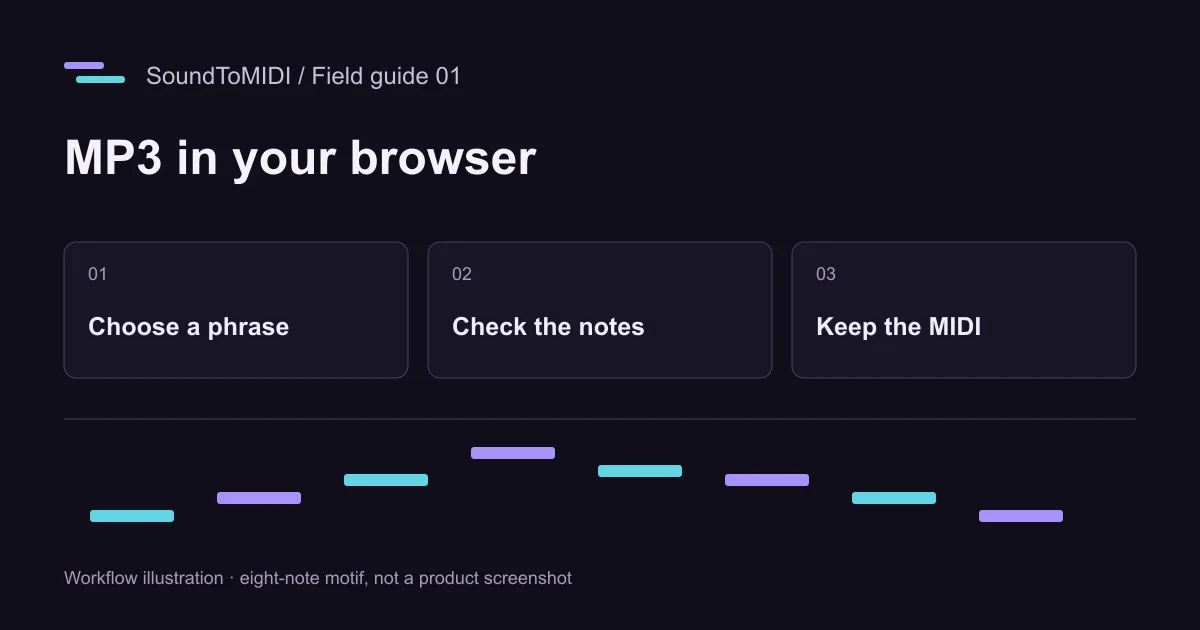
An MP3 to MIDI converter online can give you editable notes from a recording. In SoundToMIDI, choose an MP3, select a phrase, run transcription, then download the free Raw MIDI. Start with a clear melody or one instrument. A finished song with vocals, drums and accompaniment is a much harder input, and the result will usually need correction.
Open the MP3 to MIDI converter if you already have a recording. The steps below continue through importing and hearing the notes in a software instrument.
Choose a phrase you can check by ear
Use a file you own or have permission to process. Pick about 15–30 seconds containing a complete musical phrase, preferably with a short rest before its first note. Avoid starting halfway through a sustained note: the model then has less evidence about where the note began.
If you have the original isolated recording, use it instead of a compressed copy of a full mix. Exporting an existing MP3 as WAV does not restore missing information or remove its accompaniment. It can help with a file-reading problem, but it cannot turn a crowded recording into a clean solo.
Keep the original file. Your MIDI will contain note instructions, not the singer’s voice or the piano’s recorded tone.
Follow the browser workflow
- Open the converter and choose the MP3 from your device. Wait for the recording and waveform to load.
- Under Choose the part to convert, use Try 15 seconds, Try 30 seconds, or enter the start and end times. For a shorter recording, keep the complete phrase.
- Use Listen to selection. Check that the excerpt actually contains the part you want and is not mostly silence, percussion or an introduction.
- Start with the recording profile that matches the source. A piano phrase with chords needs a different assumption from a solo voice. Leave advanced settings alone for the first attempt so you have a baseline.
- Click Convert selection to MIDI and keep the page open. Device speed, excerpt length and the initial model download affect the wait.
- Listen to Raw MIDI, compare it with the recording, and choose Download Raw MIDI. This download does not require an account or credits.
Conversion runs locally in your browser. Optional cloud project backups and the separate music arrangement feature have different upload behavior; they are not required for this workflow.
What a real result can look like
We made an eight-second synthesized MP3 containing eight notes: MIDI pitches 60, 62, 64, 67, 65, 64, 62 and 60. In our recorded October 12 test, the Raw MIDI contained ten notes. Two extra notes at pitch 74 appeared alongside the two intended pitch-62 notes. That is a useful warning about octave harmonics, even with a simple source.
- Download the original eight-note MP3.
- Download that test’s actual Raw MIDI.
- Hear the Raw MIDI rendered as notes.
This is an owned synthetic example, not a recording from a customer and not an accuracy score for full songs. Current settings can produce a different result. Use it to practice checking a transcription before trusting your own.
Import the file and hear the right thing
Create a software-instrument or MIDI track in your music application, load a plain piano sound, and import the .mid file onto that track. A MIDI clip on a track without an instrument may be silent even when the notes are present.
Listen first without adding effects. Compare the first note, the two or three largest pitch jumps, and the last sustained note. If the clip plays at an unexpected speed, inspect the project’s tempo and how your application imports MIDI tempo information. A different instrument sound is normal; missing notes or a wrong octave are transcription issues.
Before quantizing, save an untouched copy of the downloaded file. Strong quantization can move expressive timing and make it harder to distinguish detection errors from changes you introduced later.
Fix one type of error at a time
| What you hear | What to inspect | First useful change |
|---|---|---|
| A second note follows the melody an octave above | Overlapping notes exactly 12 semitones apart | Compare with the source before deleting the extra line |
| Short notes disappear | Minimum note length and quiet attacks | Try a shorter minimum length, then check for added noise |
| A held note breaks into fragments | Note boundaries and gaps | Join only fragments that are one sustained note in the recording |
| The file is silent in your DAW | Track type, instrument and routing | Load an instrument before running conversion again |
If nearly every note is wrong, changing dozens of settings is rarely the best next step. Try a cleaner source or a shorter exposed phrase. For a no-cost editing route, follow the free MP3 workflow, which keeps the original Raw MIDI available while you correct a copy.