You can convert audio to MIDI free by transcribing a recording, downloading the original detected notes, and editing those notes in software you already own. SoundToMIDI provides free browser conversion and a free Raw MIDI download without registration. Optional edited-project exports use credits, so choose the Raw download if your goal is a no-cost starting file.
First, listen to what is in the recording. A solo voice, a piano chord and a complete song are different transcription problems. Use the route below to avoid spending time on the wrong input.
Match the workflow to the source
| Your recording | A sensible first attempt | What to listen for afterward |
|---|---|---|
| Humming or one singing voice | Humming to MIDI or vocal to MIDI | Wrong octaves, fragmented sustained notes, pitch slides |
| Piano by itself | Piano to MIDI with a profile that keeps chords | Missing chord tones, pedal tails and repeated attacks |
| One guitar or bass line | Audio converter, with the relevant recording profile | String noise, low-note detection and overlapping harmonics |
| A full song | Song to MIDI, starting with an exposed phrase | Notes from the accompaniment mixed with the lead |
| Mostly drums or speech | Reconsider whether pitched MIDI notes are the right output | Percussion triggers and spoken words are different tasks |
These are starting points, not accuracy guarantees. If a melody is buried in a mix, shortening the excerpt helps inspection but does not isolate that melody.
Record a better input without buying equipment
Use the quietest room you already have. Record one part at a time, leave a small amount of silence at the beginning, and keep the recording level below clipping. For voice, sing or hum clearly enough that you can identify each note by ear. For guitar, reduce handling noise and stop unwanted strings ringing where possible.
Listen to the recording before conversion. If you cannot distinguish the melody from the background, the transcription has a difficult job too. A dry source usually gives you a more useful starting point than the same recording with added delay and reverb.
Keep the original file format if the browser can decode it. Repeatedly converting a compressed recording between formats adds steps without recreating lost detail. If the browser cannot read the file, make one WAV copy from a trusted audio application and try that.
Complete one free pass
Choose the recording in SoundToMIDI, select a short complete phrase, and listen to that selection. Run Convert selection to MIDI, audition the Raw version, and choose Download Raw MIDI. Import it into a MIDI track with an instrument loaded.
You now have a file you can keep. Correct pitches and timing in your preferred editor, then save a separate edited copy. This route does not require purchasing SoundToMIDI’s optional export pack. It does require an editor whose own license permits the saving or export you need; check that before starting a large project.
Do not confuse free welcome credits with this Raw workflow. A welcome-credit project export is an account benefit with a finite allowance. Free Raw MIDI is a different option.
Decide whether the result is worth editing
Count problems in a short phrase instead of judging the sound as simply good or bad. Write down missed notes, extra notes, octave mistakes and incorrect boundaries. A few obvious corrections may be manageable. If you cannot tell which of several overlapping lines is the one you wanted, get a cleaner source before doing detailed editing.
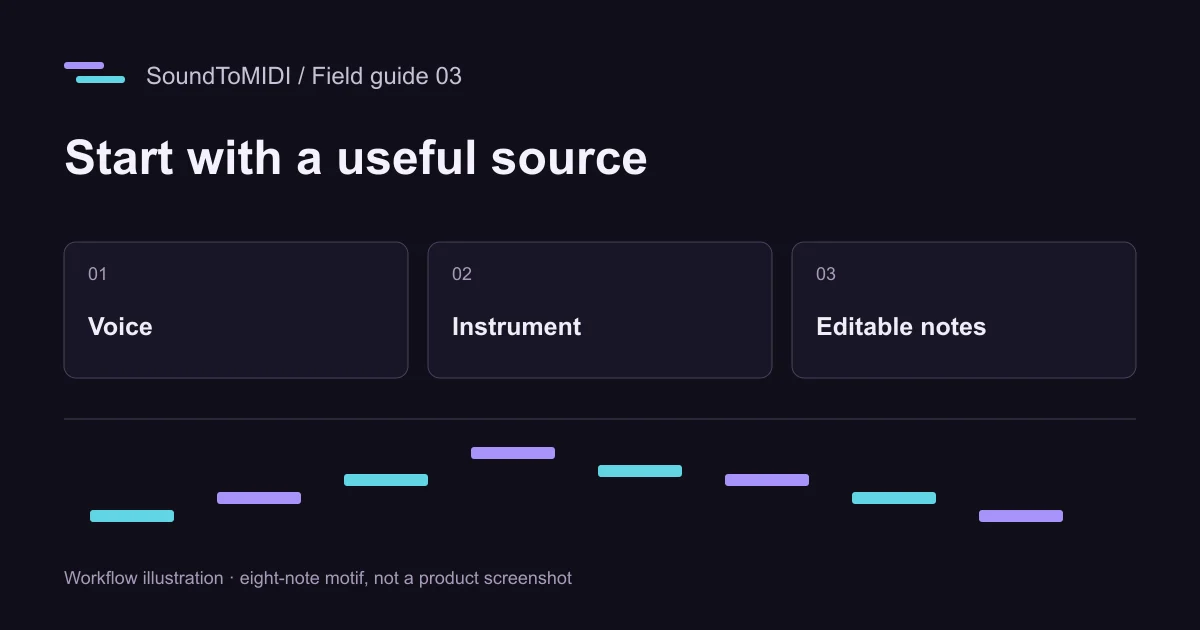
Our owned eight-note MP3 example and its actual Raw MIDI make a small practice exercise. The recorded October 12 output had ten notes, including two extra octave notes. Listening and removing those specific false notes is a more useful test than assuming every detected block belongs in the melody. This synthetic case does not establish performance on a singer, guitar or full band.
Budget time as well as money
A free workflow can still be expensive in editing time. Before converting an album, finish one excerpt all the way to a usable saved file. Note how long you spent correcting it. Repeat with a harder excerpt from the same source if that is representative of the project.
You may discover that recording the part again is quicker than repairing the transcription. Alternatively, an audio-to-MIDI feature already included in your DAW may save enough transfers to be the better route, even though the application itself is not free. The software workflow guide compares those integration choices without claiming that one tool wins for every recording.
For privacy, SoundToMIDI’s conversion happens locally in the browser. Optional cloud backups and cloud music arrangements are separate features. Converting someone else’s recording also does not grant permission to publish their composition or recording; keep your use within the rights you already have.