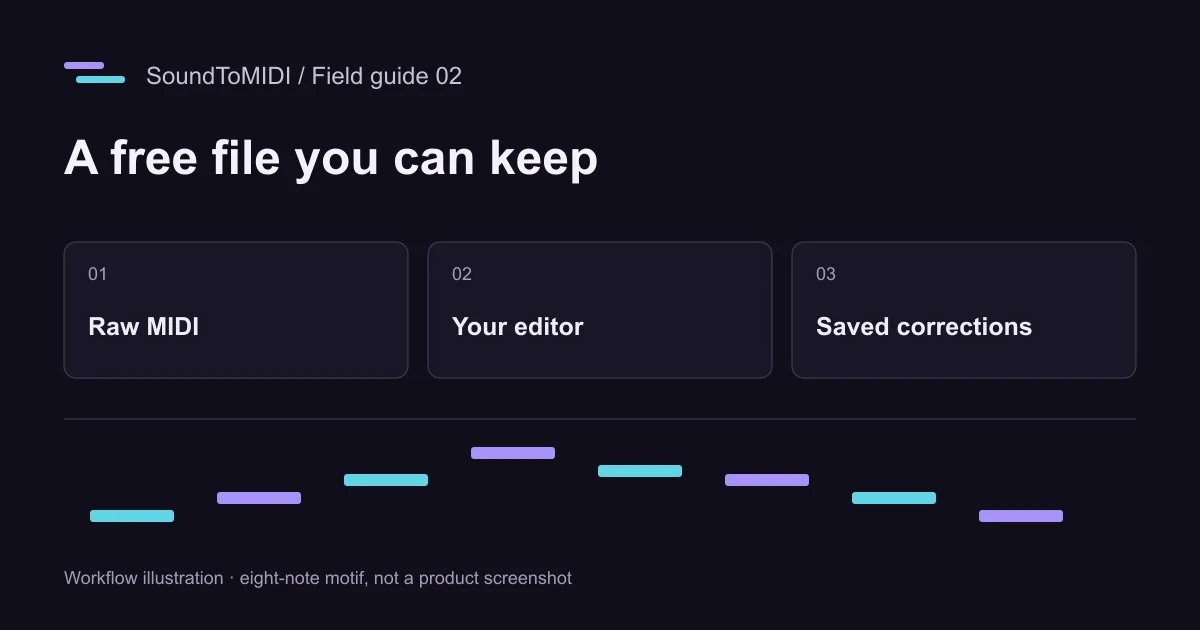
For a free MP3 to MIDI conversion in SoundToMIDI, use Download Raw MIDI after transcription. The original detected notes are free to download without an account. Exporting your edited project or its Music Export Pack is a separate credit-based feature. You can instead take the free Raw MIDI into a MIDI editor you already use and finish there.
That distinction matters more than a button labeled “free.” A preview you can hear and a MIDI file you can import are different deliverables. Before spending time cleaning a long recording, prove that you can get the file you need.
Run a small download test first
Open the MP3 converter with a short, clear recording. Select a phrase, listen to the selection, and click Convert selection to MIDI. When the result is ready, audition Raw MIDI and download it.
Now open that file in a music application. Check that it contains editable note blocks, not just an audio recording of a piano playing. Move one note in a copy and replay it. This verifies the useful part of the promise: you can change the transcription after taking it away from the converter.
You do not need to register to perform this free Raw download. Registration and welcome credits belong to the optional account workflow, so do not treat a welcome-credit export as evidence that every export is unlimited and free.
What is free, and what uses credits?
| Task in SoundToMIDI | Current access |
|---|---|
| Choose audio and transcribe it in the browser | Free |
| Listen to the original detected notes | Free |
| Download the original Raw MIDI | Free, without an account |
| Preview edits before deciding to export | Available in the editor |
| Unlock an edited project export and its Music Export Pack | 5 shared credits per project |
| Buy additional shared credits | One-time 100-credit pack, USD 4.90 or EUR 4.90 in the offered checkout currency |
New accounts currently receive five welcome credits. The pack includes edited MIDI and additional score, note-map and practice files; it does not make the underlying transcription more accurate. The current pricing page is the place to check the offer before purchasing. Prices and allowances here were checked on October 23, 2026.
Free Raw MIDI remains the original detected version. If you edit notes on the site and then choose Raw MIDI, do not assume those edits are in that download. Preview and export labels identify which version you are taking.
A zero-cost correction route
Keep the downloaded Raw file as a reference. Import a copy into your existing DAW or MIDI editor and use a simple piano sound. Start by removing obvious extra notes, then repair wrong pitches, then adjust beginnings and endings. Save a new MIDI file under a different name.
Work on pitches before applying a timing grid. Otherwise, a neat-looking grid can disguise wrong notes. Similarly, do not delete every quiet note automatically: a quiet passing note may be musically intentional. Compare uncertain spots against the original MP3, a few seconds at a time.
If you do not already have an editor, choose one only after checking that its free edition can both import and export MIDI. A trial that allows editing but blocks saving will recreate the same problem later in the workflow.
Try the files before using your own recording
Our eight-note MP3 is an owned synthesized melody. Its recorded Raw result contains ten notes, including two extra octave notes. It is deliberately a useful imperfect example, not a claim that conversion is exact.
Open that MIDI and look for pitch 74 above pitch 62 near 1.25 and 5.51 seconds. Compare with the source before removing anything. This gives you a concrete editing exercise and lets you verify your editor’s file-saving behavior without risking your only copy of an important session.
Free does not remove musical limitations
A complex commercial song can contain many instruments playing at once. A free converter may detect accompaniment when you want only the singer. Paying for an export of that same result does not separate the voice, restore missed notes or establish the song’s chord progression.
If your result needs extensive reconstruction, first try an isolated recording you can legally access. If you only need to learn a four-bar melody, transcribing that phrase manually may take less time than repairing the entire song. Judge the workflow by the amount of correction left to do, rather than the number of files generated.
Keep access to your work
Download a copy before closing the tab or changing devices. Unsaved browser work is not a cloud backup. If a phone opens the MIDI in a viewer instead of saving it, use the browser’s download controls or file-sharing options, then confirm that the file exists in your device’s storage.
For recordings other than MP3, the free audio-to-MIDI guide explains how source type changes the job. To repeat the exact browser steps, use the online conversion walkthrough.