The best audio to MIDI converter for your recording is the one that produces a usable, editable file with the least correction under your constraints. A tool that works well for solo piano may be a poor choice for a mixed song. A fast preview is not enough if you cannot export the notes you need.
Use this test plan to choose for yourself. We publish SoundToMIDI, so use the same test on our free converter and any other candidate. Keep the files and decide from the results.
Write down the job before comparing products
Complete this sentence: “I need editable MIDI for ___ from ___, and I will finish it in ___.” For example: a hummed lead from a phone recording, finished in a piano-roll editor. Or piano chords from your own isolated track, finished in a notation application.
Then list any hard constraints: no audio uploads, no subscription, a specific operating system, a plugin format your DAW supports, or an export that must be free. Eliminate tools that cannot meet those requirements before spending time comparing sound.
Do not use the same verdict for different outputs. Recovering a melody, labeling chords and recreating a complete instrumental arrangement are separate goals.
Build a small test set
Choose three short excerpts you have rights to use:
- A clear passage with notes you can identify confidently.
- A typical passage from the project you actually want to finish.
- A difficult passage with the specific problem you worry about, such as fast attacks, sustained chords or accompaniment.
Use identical source files and time ranges in each tool. Record any source preparation, such as extracting a stem or exporting WAV. If only one candidate receives a cleaner source, you are comparing workflows, not just transcription systems. That can still be useful, but label the difference.
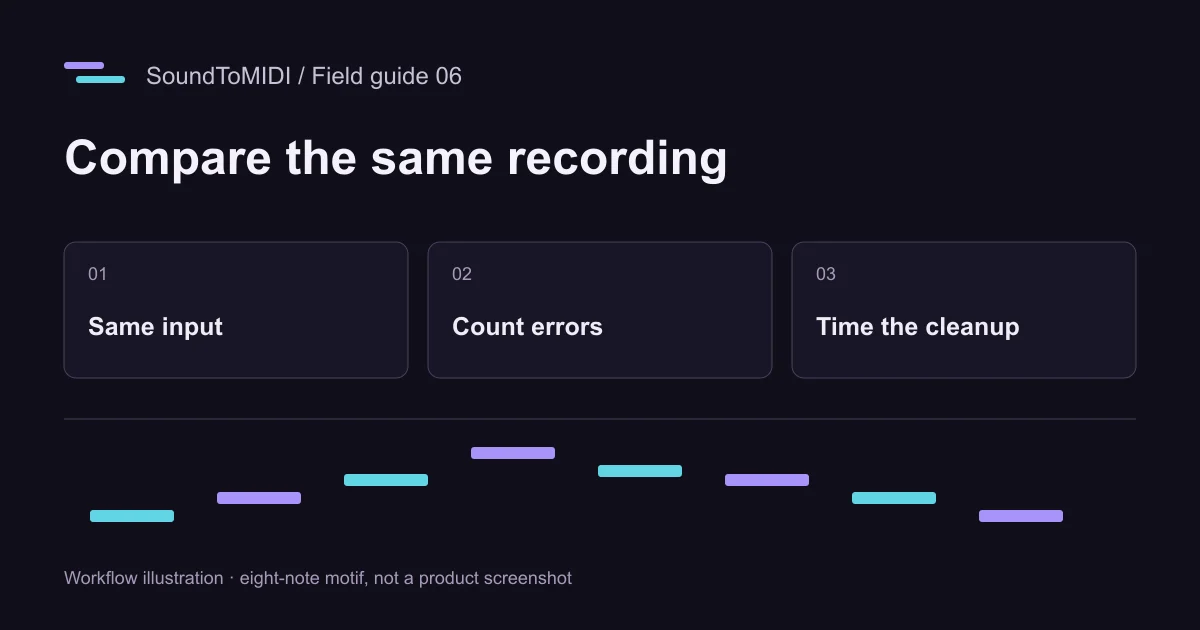
For a quick inspection exercise, our eight-note MP3 has known pitches. Its archived SoundToMIDI Raw result includes two extra octave notes. It is a deliberately limited synthetic example, not a representative benchmark set.
Use a scorecard you can explain
| Measure | Record this | Why it matters |
|---|---|---|
| File access | Was editable MIDI actually saved? At what cost? | Preview access does not establish export access |
| Missing notes | Intended notes absent from the output | A sparse result can hide omissions |
| Added notes | Events with no intended source note | Extra notes create cleanup work |
| Wrong pitch or octave | Notes that need moving | An octave error may sound musical but be unusable |
| Timing | Bad starts, ends and repeated-note splits | Correct pitch alone does not recover the phrase |
| Cleanup | Minutes until your target passage is usable | This is often the practical cost |
| Workflow | Transfers, login steps and required software | Friction matters when repeating the task |
Leave a measurement blank if you cannot judge it confidently. Do not convert an uncertain impression into a percentage. A rigorous note-level accuracy score needs an annotated reference and explicit matching tolerances; this worksheet is a practical editing comparison.
Listen under the same conditions
Import each result into the same project and use the same simple instrument sound. Match the intended tempo and volume. Keep effects off for the first comparison. A lush instrument can make one transcription more pleasant without making its notes more accurate.
Audition short sections against the source. Count mistakes before making corrections, then time the correction pass. Keep the original exported files and save edits as separate versions. This lets you revisit a disputed result without reconstructing what happened.
If the task includes expressive bends, check whether the exported bends survive import and whether your receiving instrument handles them as intended. For a basic piano exercise, bends may be irrelevant. Your own use determines the test.
Compare only plausible candidates
A browser converter is convenient for occasional files. A DAW feature can be preferable if the audio is already in a session. A plugin may reduce round trips; a command-line tool may suit repeated processing. See the software workflow guide before choosing candidates.
Spotify Basic Pitch provides a reproducible open-source baseline. Ableton’s conversion manual distinguishes melody, harmony and drum conversion from slicing audio into MIDI-triggered samples. That distinction matters: a sample-trigger clip is not evidence that a tool recovered the source’s pitches.
Do not buy several applications merely to complete this worksheet. Start with tools you already have and accessible free exports. If a trial cannot export, record that constraint and avoid guessing its final file quality.
Make the decision from the finished passage
Pick the option that meets your constraints and reduces the work you actually need to do. If every output requires more correction than entering the phrase by ear, use a cleaner recording or transcribe that passage manually. A useful outcome can be discovering that automatic conversion is the wrong step for this particular source.
When you share your comparison, include the input type, excerpt length, settings, output files and limitations. Avoid calling a result “best” for voices, chords and full mixes when you only tried a single piano phrase.