MP3 to MIDI converter software needs to do two jobs: read the compressed recording and estimate its notes. A general audio-format converter may do only the first kind of job, changing MP3 into WAV or another audio format. Look for musical transcription and an editable MIDI output, then test that file in your DAW.
For one-off work, you can use the SoundToMIDI MP3 converter without installing an application. If you need an installed workflow, decide whether you want to drop files into a standalone tool, capture a track through a plugin, or run a command against files on disk.
Prepare the MP3 as a musical input
Make a working copy and identify the phrase you actually need. Use a short excerpt that starts before the first intended note and includes its final release. Keep any timing reference you will need later: the excerpt’s start time in the original recording, and the source tempo if you know it.
Avoid repeated MP3 re-encoding while trimming. If your editor can export the selected phrase as WAV, use that for intermediate work. This avoids another lossy encoding stage, but it cannot undo losses already present in the MP3. A WAV made from a crowded mix still contains that crowded mix.
If you only have a full song, look for a section where the desired instrument is exposed. Do not expect changing the file extension or bitrate to separate a singer from the accompaniment.
File import and audio capture are different routes
A file-input tool lets you select the MP3 directly. A plugin capture workflow listens to audio passing through a DAW track. Plugin capture is convenient for an excerpt already edited in your session. Check its routing and playback range before recording.
| Route | What to prepare | What can go wrong |
|---|---|---|
| Direct file import | A readable source and a clear excerpt | Unsupported decoding or an unnecessarily large file |
| Plugin recording/capture | Correct track, input route and playback range | Capturing the wrong bus, effects or silence |
| Command-line file processing | Input paths, output folder and compatible environment | Dependency problems, incorrect paths or batch failures |
| Browser file selection | A short local recording and an open tab | Device limits or confusion about where the download went |
Do not turn the master mix up just to improve detection. Clipping adds distortion. If you capture through a plugin, be deliberate about whether it receives a dry instrument or a processed bus.
Shortlist by the output you need
For editable notes from a single line, prioritize a workflow that lets you inspect pitch and timing quickly. For chords, verify that simultaneous notes survive. For multiple instruments, inspect whether the exported file separates useful parts or combines everything into one stream.
The current NeuralNote site provides an installed option; check its release-specific instructions and hardware requirements. The Basic Pitch repository provides a command-line route. These are different workflows, not a quality ranking from our own cross-tool benchmark.
If you already own a DAW with a suitable conversion feature, test that first. Avoid buying software just because a search result says it accepts MP3. Input support tells you little about the quality or organization of the exported notes.
A file-to-DAW acceptance test
First convert a short phrase, then save the MIDI to a folder you can find. Create a MIDI or instrument track in your DAW and load a plain sound. Import the result and place it relative to the original excerpt. Keep the source audio available for comparison.
Listen to pitch before polishing the sound. Check octave placement, repeated attacks and sustained notes. If the rhythm is wrong, examine both the note timings and the destination project’s tempo. If the tone is different but pitches and rhythm match, that is expected: MIDI is being played through a new instrument.
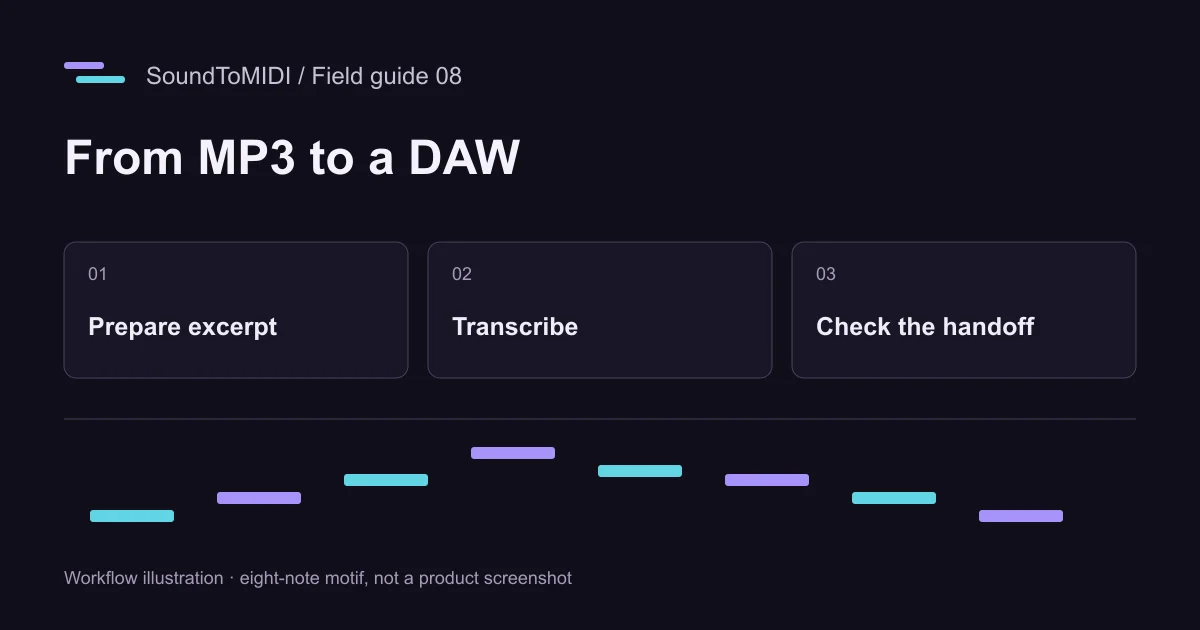
Our eight-second source and archived MIDI are available for a small handoff test. The archived result has ten events for eight intended notes, including two octave extras. Use it to practice distinguishing successful file transfer from accurate transcription.
Keep a reproducible project folder
Store the source, selected excerpt, unedited MIDI and corrected MIDI separately. Include a short note with the application version and settings. This prevents a later export from replacing the only record of what the converter originally detected.
When a result needs too much editing, return to the input before trying five more products. A clearer phrase or isolated recording may change the result more than a different export format. Use the comparison worksheet to track actual correction time.
If your remaining question is what to install, continue with the download checklist. If you just need the first editable file now, follow the browser walkthrough, which ends with a free Raw MIDI download.