For MP3 to MIDI on GitHub, start with spotify/basic-pitch, the official Python transcription project, if you want a command-line workflow. If you want a graphical installed tool, examine DamRsn/NeuralNote. A repository is not necessarily an installer, and cloning source code is not the same as installing a working application.
The recipe below follows Basic Pitch’s documented CLI. It is a setup guide, not a claim that we installed every supported operating system or benchmarked this Python package against the website. SoundToMIDI’s browser converter is available if you want to test your recording before configuring Python.
Check compatibility before creating an environment
Read the project’s current installation section. At the October 23 check, the Basic Pitch README lists Python 3.7 through 3.11 and specifically notes Python 3.10 for Apple M1. That does not mean your newest Python installation will work just because it is newer.
For the commands below, use an installed Python 3.10 interpreter. If you do not have one, install a compatible interpreter through your normal trusted package source first. Do not replace a system Python or install unrelated packages globally to make this example run.
On macOS or Linux:
python3.10 -m venv .venv-midi
source .venv-midi/bin/activate
python -m pip install basic-pitch
basic-pitch --help
On Windows PowerShell, with Python 3.10 installed:
py -3.10 -m venv .venv-midi
.\.venv-midi\Scripts\python.exe -m pip install basic-pitch
.\.venv-midi\Scripts\basic-pitch.exe --help
The Windows form calls the environment’s executables directly, so it does not require changing a PowerShell execution policy merely to activate the environment. If installation fails, save the package error and check compatibility before changing the recipe.
Run one known file first
Create an inputs folder and an output folder. Put a short MP3 you own in inputs and use a simple filename for the first run. The documented command takes the output directory before the input file:
basic-pitch output "inputs/my melody.mp3"In the Windows setup above, replace basic-pitch with .\.venv-midi\Scripts\basic-pitch.exe. Quotes matter when paths contain spaces. The output directory is a folder, not the name of a MIDI file you want to overwrite.
Wait for the command to finish, then inspect the files it created. Use basic-pitch --help from your installed version before adding options. The official README documents additional note-event CSV and synthesized-audio output options; avoid copying flags from a tutorial for a different release.
Verify the MIDI independently
Open the generated MIDI in a music application with an instrument loaded. Check whether the note count, register and phrase duration are plausible. Listen against the input, and save corrections as a different file. A zero exit status only means the program completed its run; it does not establish musical accuracy.
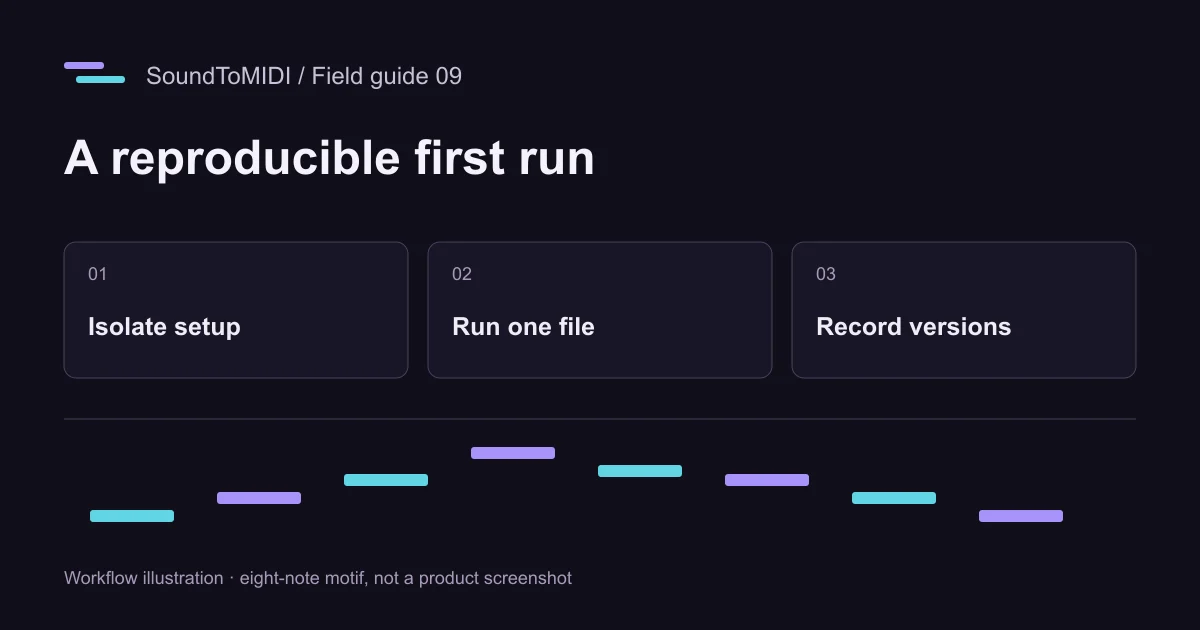
For a controlled input, download our owned eight-note MP3. The intended MIDI pitches are 60, 62, 64, 67, 65, 64, 62 and 60. Do not expect every implementation or version to reproduce our archived browser result exactly. That archived run included two extra notes at pitch 74; the discrepancy is useful when learning to inspect errors.
Keep these test results separate from customer recordings. A synthetic eight-note file is a debugging aid, not evidence that your setup accurately transcribes a full mix.
Record the environment before batching
Save the package details and dependency list after the first successful run:
python -m pip show basic-pitch
python -m pip freeze > midi-environment.txt
If you are working from a Git checkout instead of the published package, record its commit as well. Store original inputs separately and give each experiment its own output folder. That makes a model or parameter change reversible.
Start a batch with two or three files, including one difficult example. Record failures per file rather than treating a partly completed folder as success. Review representative MIDI results before scaling up. Automation saves repetitive commands, not the need to check notes.
Choose a repository responsibly
Check the owner, README, license, release history and installation instructions. Use the project’s own release links rather than repackaged installers from a download directory. Code and model weights may have separate terms, so read both before redistributing them or offering a hosted service.
For NeuralNote, current v2 documentation describes a different model and workflow from its older Basic Pitch-based releases. Match the guide to the version you actually install. If you prefer an installer over Python, use the download guide for the checks that matter before your first real project.